SoftScrolls
Menu

App store screenshot templates

1064 designs, made of 56 layouts crossed with 19 colour themes. Pick one, drop your screenshot in, change the words, export at the size the store wants.

Free, no signup, no watermark. Everything below was drawn by the tool itself, so a template is exactly what the picture shows.

Open the studioIt opens straight into a project.

50 layouts for store screenshots

A layout decides where things sit. Every one below is shown in the same theme - Ember - so what changes between tiles is the composition rather than the palette.
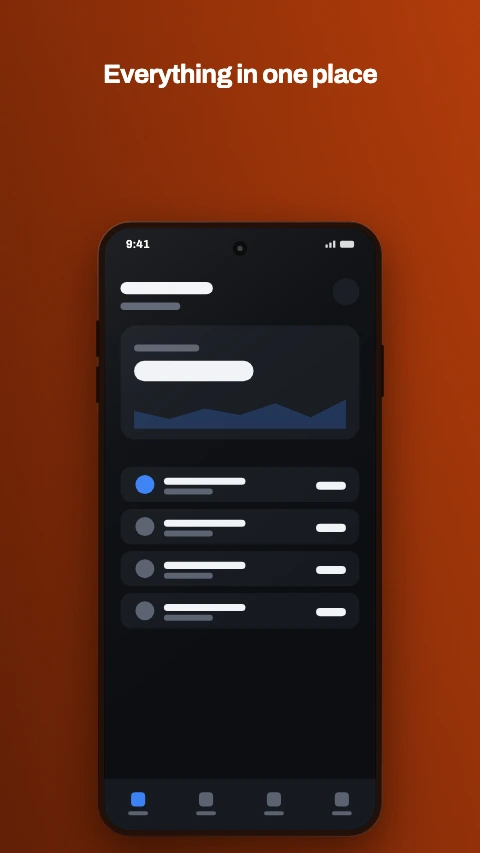
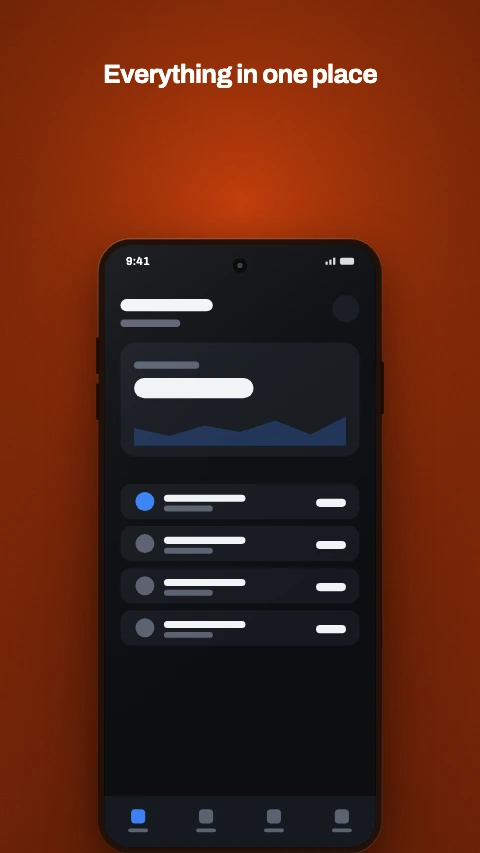
Caption above app store screenshot template - Headline at the top, device below. The default for a reason.
Caption above

Headline at the top, device below. The default for a reason.

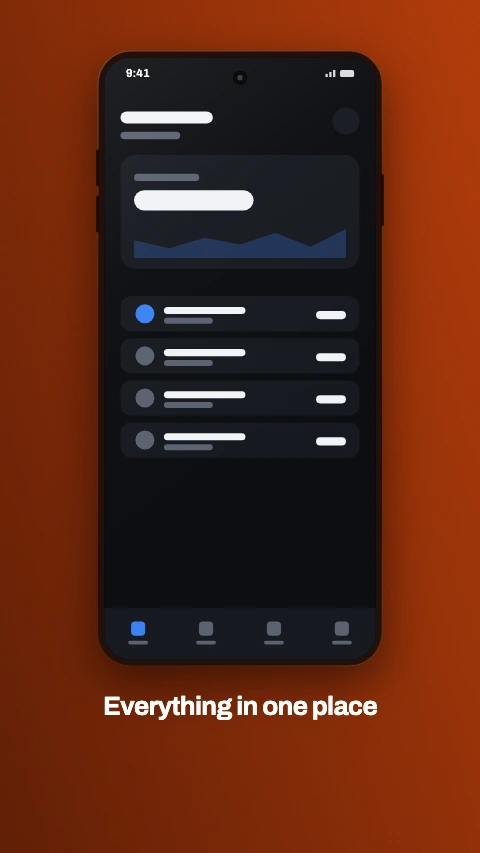
Caption below app store screenshot template - Device first, caption underneath - reads as a product shot.
Caption below

Device first, caption underneath - reads as a product shot.

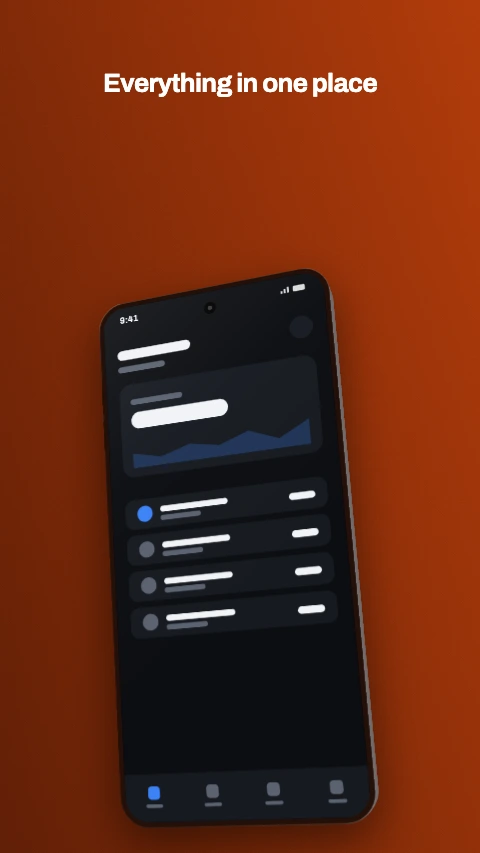
Angled app store screenshot template - A tilted phone with the caption running across the top.
Angled

A tilted phone with the caption running across the top.

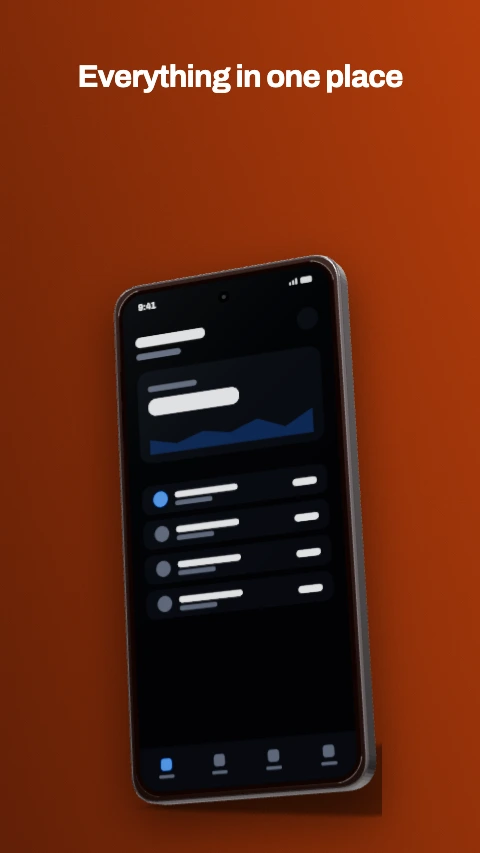
3D hero app store screenshot template - One device, real geometry and lighting. For the lead frame.
3D hero

One device, real geometry and lighting. For the lead frame.

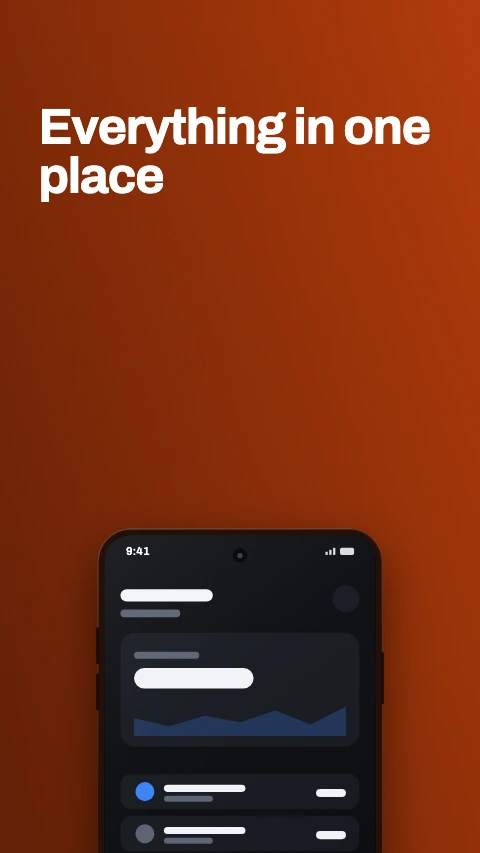
Big type app store screenshot template - Type is the whole frame, with the device peeking in at the bottom.
Big type

Type is the whole frame, with the device peeking in at the bottom.

Frameless app store screenshot template - The screen fills the frame, chassis cropped away. The 2026 direction.
Frameless

The screen fills the frame, chassis cropped away. The 2026 direction.

Panoramic app store screenshot template - One background flowing across every frame in the set.
Panoramic

One background flowing across every frame in the set.

Split panel app store screenshot template - A panel across the lower half, device straddling the join.
Split panel

A panel across the lower half, device straddling the join.

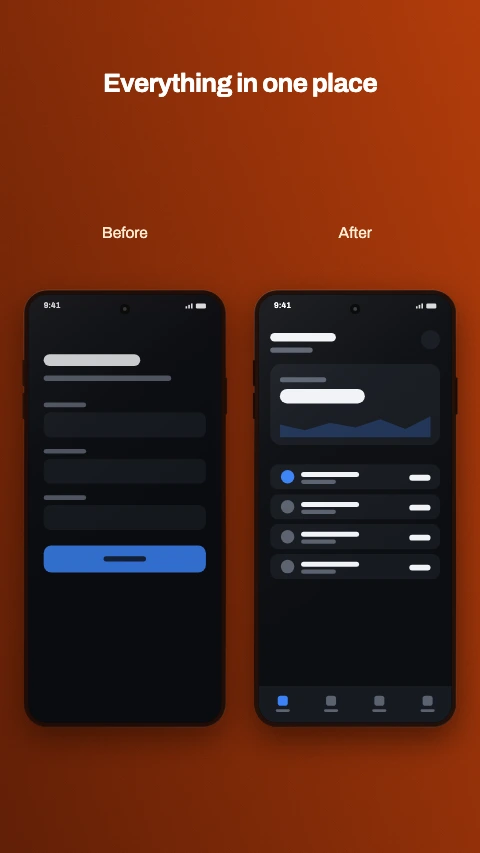
Before and after app store screenshot template - Two devices side by side, labelled. The transformation shot.
Before and after

Two devices side by side, labelled. The transformation shot.

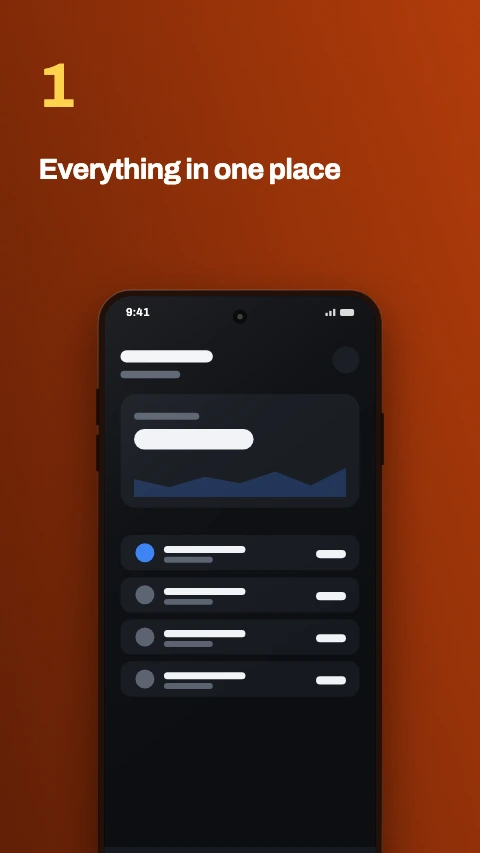
Numbered step app store screenshot template - A large numeral, then the caption. Reads as a walkthrough.
Numbered step

A large numeral, then the caption. Reads as a walkthrough.

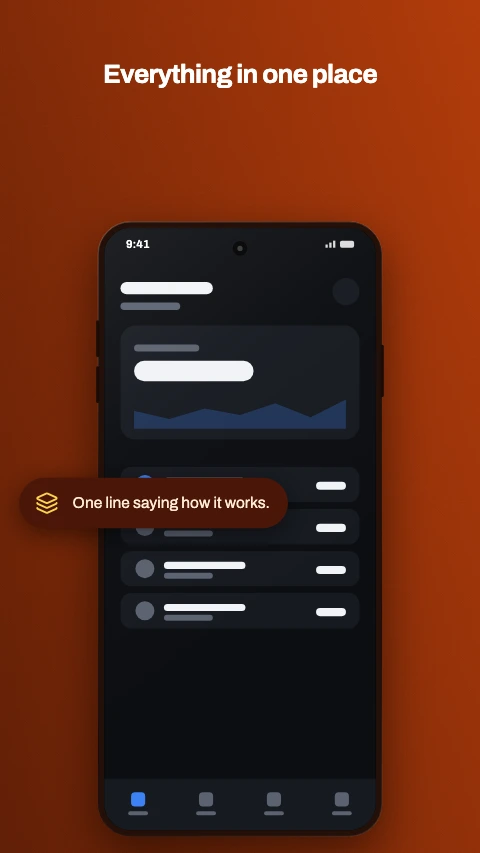
Feature callout app store screenshot template - A device with one pill naming the feature it is showing.
Feature callout

A device with one pill naming the feature it is showing.

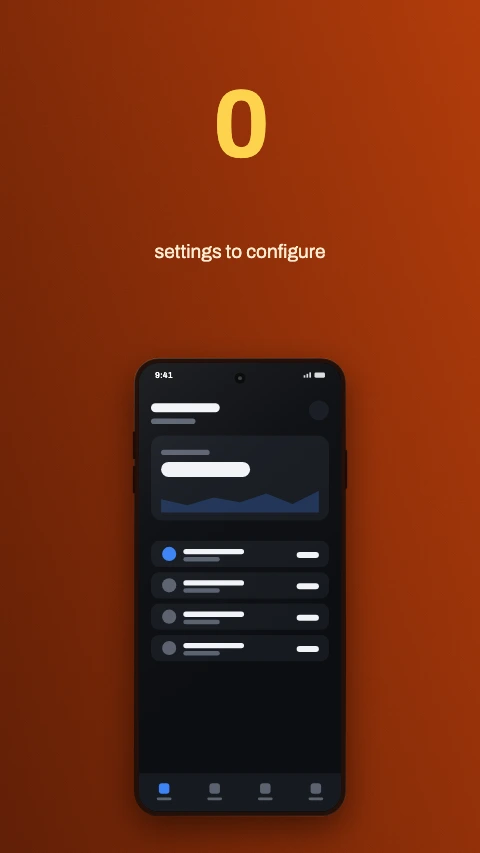
Stat hero app store screenshot template - One number carries the frame. An app fact, never a download count.
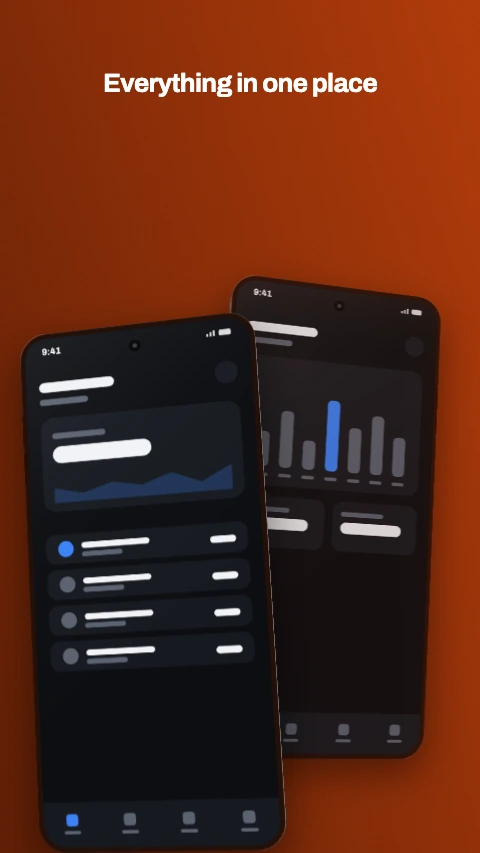
Stat hero

One number carries the frame. An app fact, never a download count.

Two phones app store screenshot template - An overlapping pair - the way a before-and-after reads best.
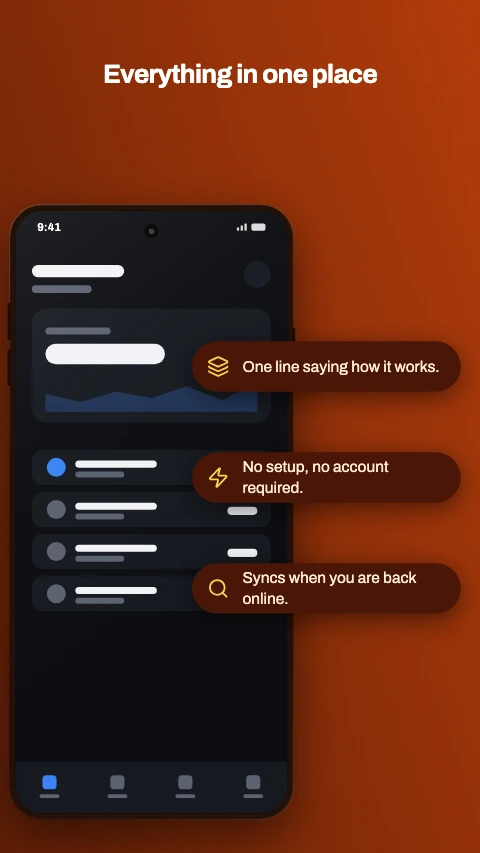
Two phones

An overlapping pair - the way a before-and-after reads best.

Callout stack app store screenshot template - Three labelled chips down the side of the device.
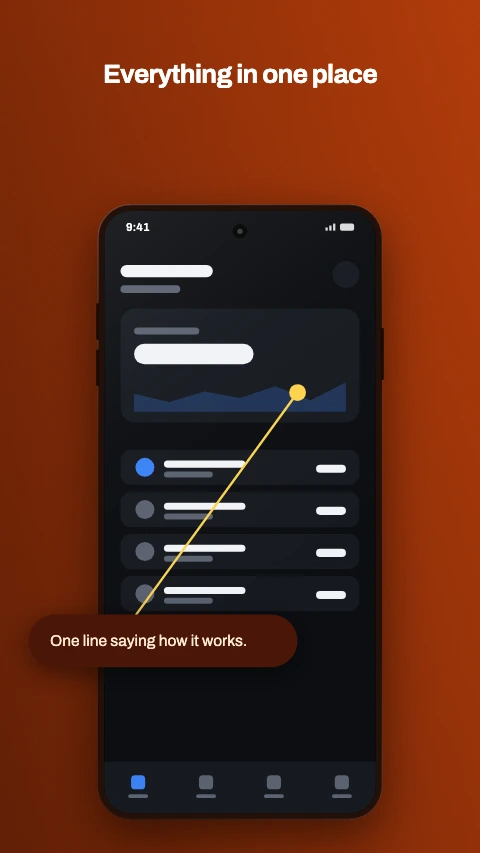
Callout stack

Three labelled chips down the side of the device.

Pointer callout app store screenshot template - A label joined to the exact spot on screen it is about.
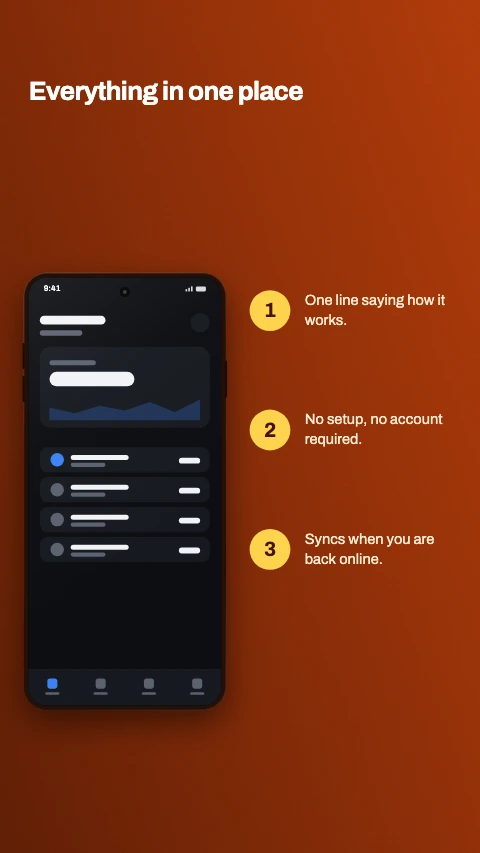
Pointer callout

A label joined to the exact spot on screen it is about.

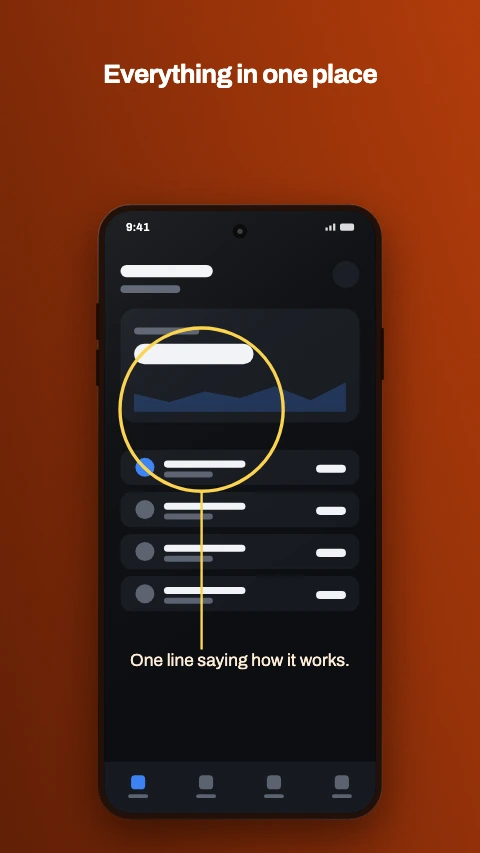
Numbered steps app store screenshot template - The device on the left, three numbered steps beside it.
Numbered steps

The device on the left, three numbered steps beside it.

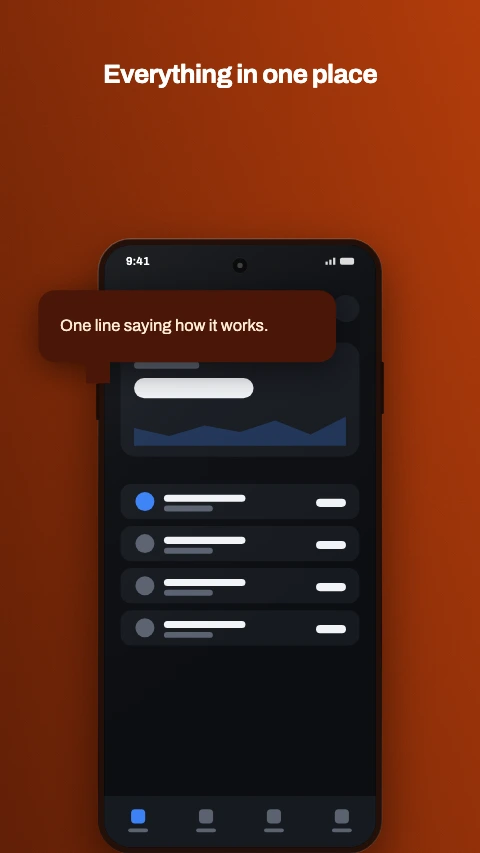
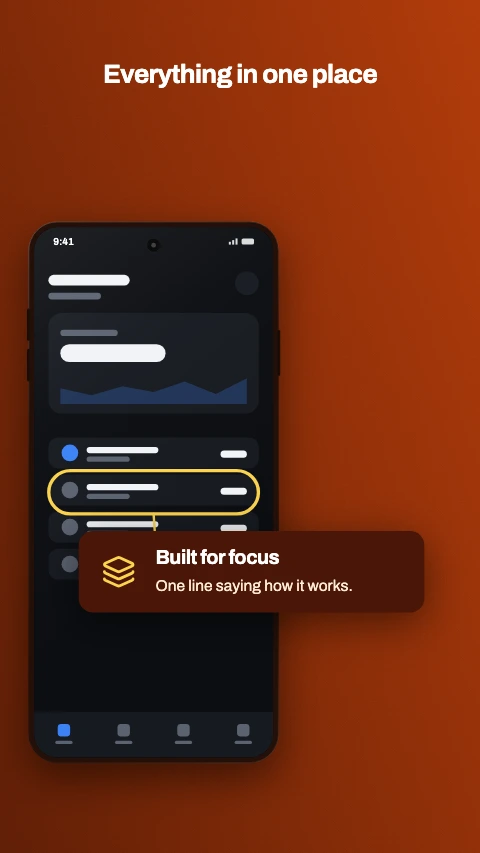
Highlight ring app store screenshot template - A ring drawn round the part of the screen that matters.
Highlight ring

A ring drawn round the part of the screen that matters.

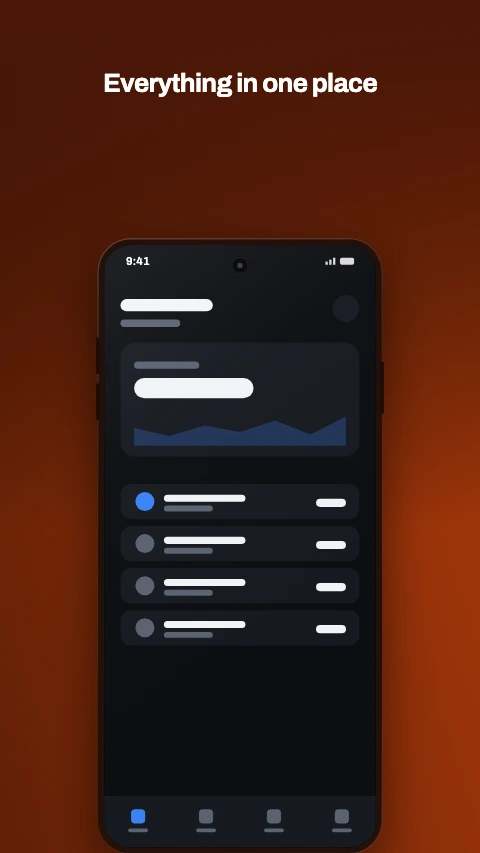
Speech bubble app store screenshot template - A bubble with a tail, pointing down at the screen.
Speech bubble

A bubble with a tail, pointing down at the screen.

Photo behind app store screenshot template - Your image full bleed, dimmed, with the device standing on it.
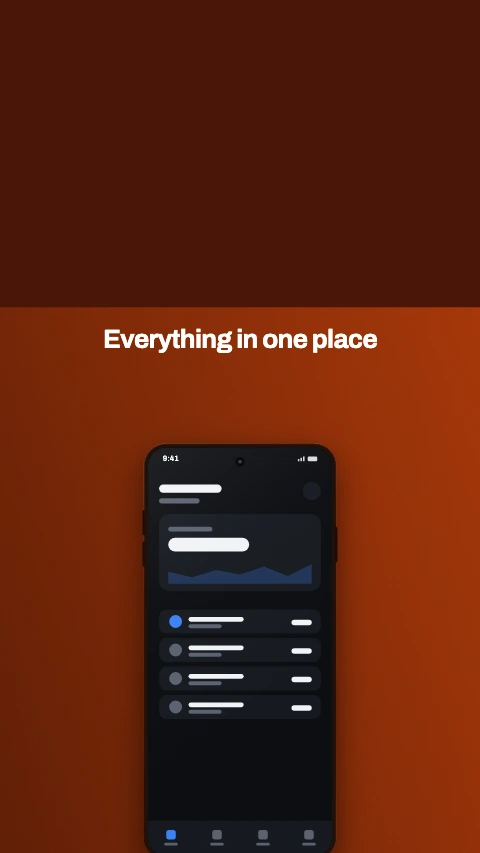
Photo behind

Your image full bleed, dimmed, with the device standing on it.

Photo above app store screenshot template - Your image across the top, caption and device beneath it.
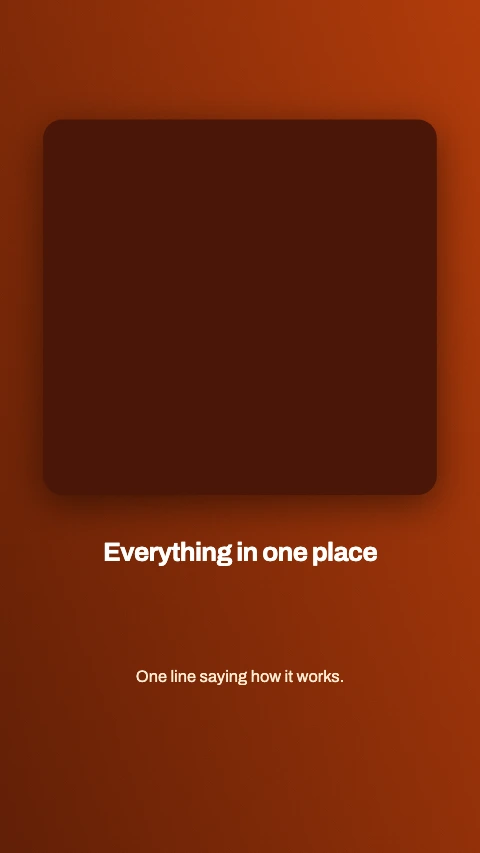
Photo above

Your image across the top, caption and device beneath it.

Photo card app store screenshot template - One image in a card, with the caption under it. No device.
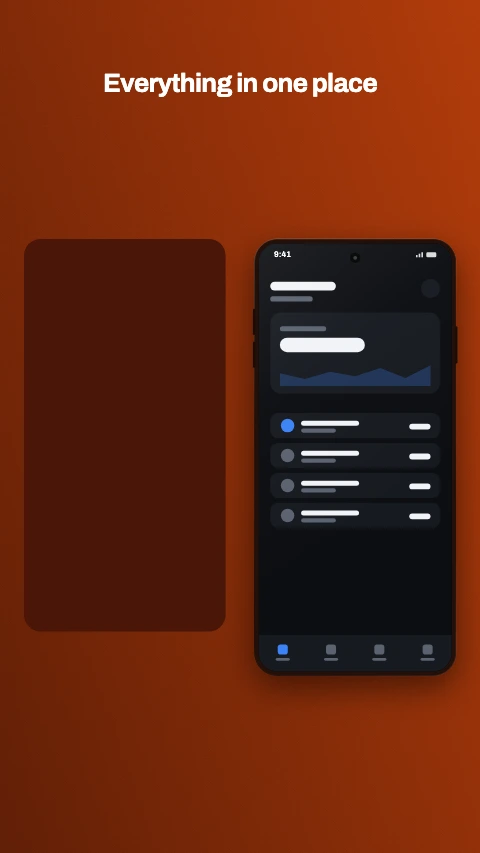
Photo card

One image in a card, with the caption under it. No device.

Photo beside app store screenshot template - Your image on one side, the device on the other.
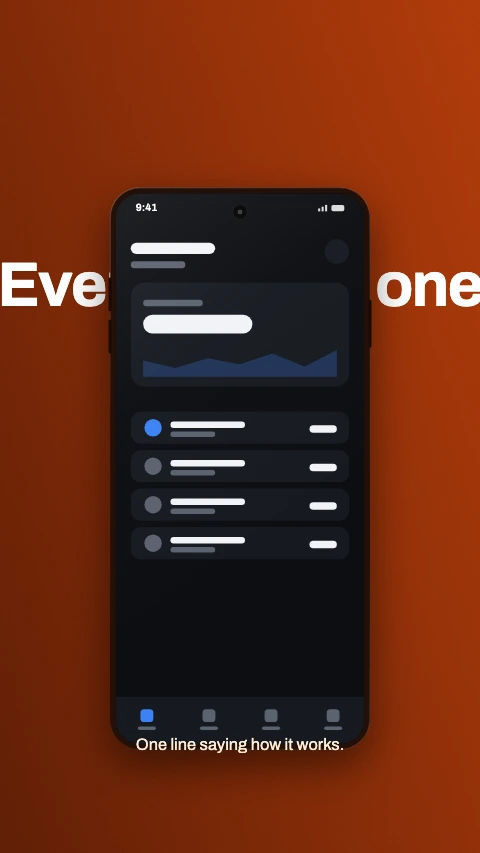
Photo beside

Your image on one side, the device on the other.

Text behind app store screenshot template - The headline runs behind the device and out both sides.
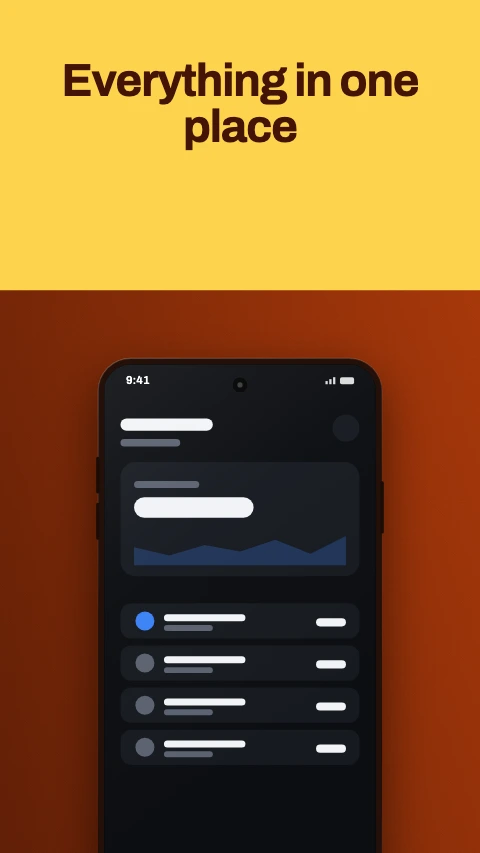
Text behind

The headline runs behind the device and out both sides.

Cut type app store screenshot template - A block of colour with the headline knocked out of it.
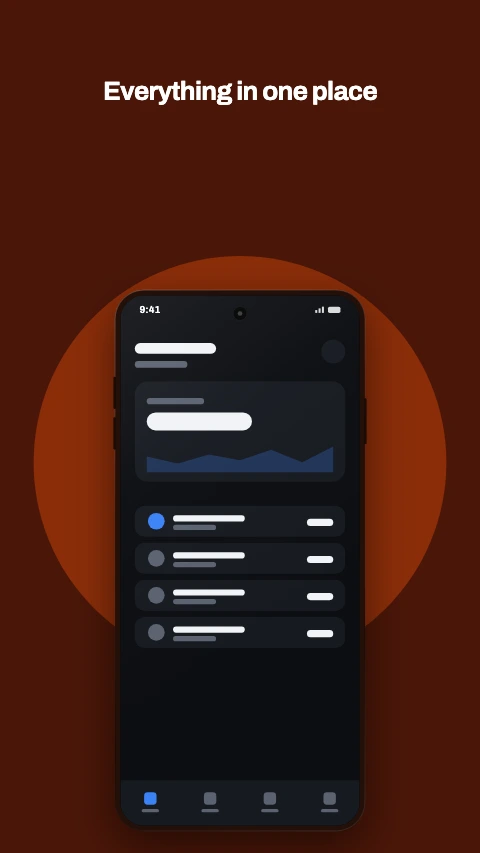
Cut type

A block of colour with the headline knocked out of it.

Aperture app store screenshot template - A panel with a hole cut in it, and the device coming through.
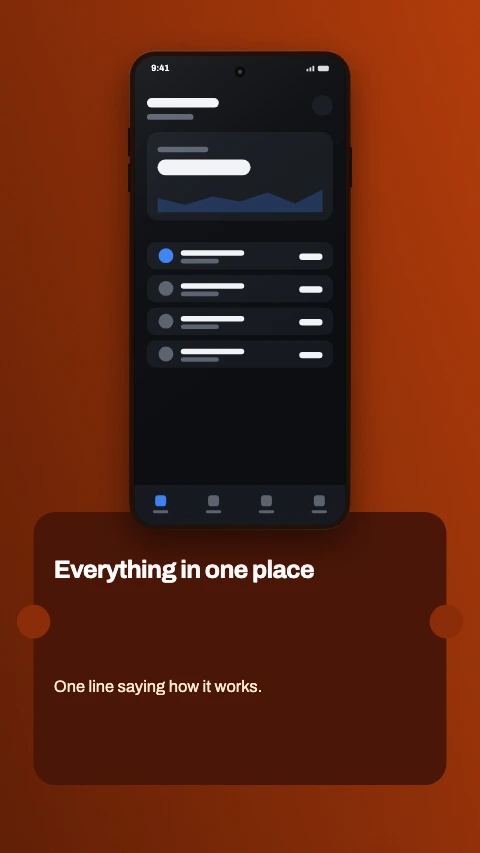
Aperture

A panel with a hole cut in it, and the device coming through.

Ticket app store screenshot template - A card with notches bitten out of its edges. Device above.
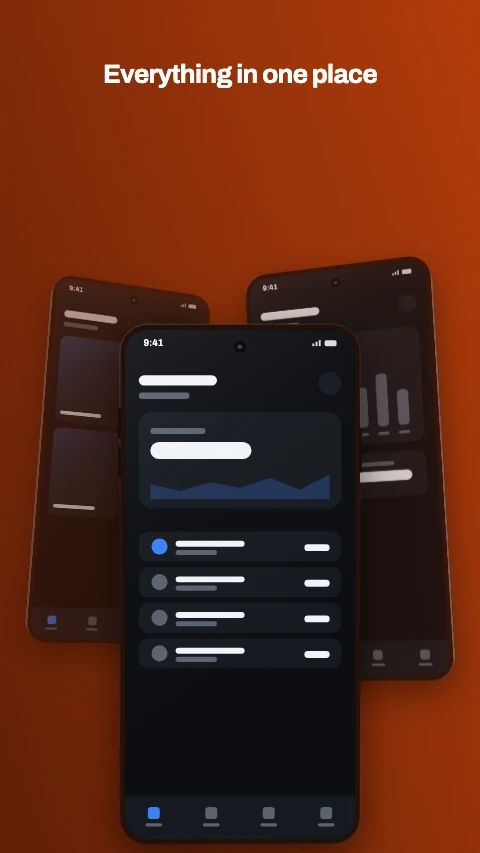
Ticket

A card with notches bitten out of its edges. Device above.

Stacked app store screenshot template - Three phones fanned back, the front one in focus.
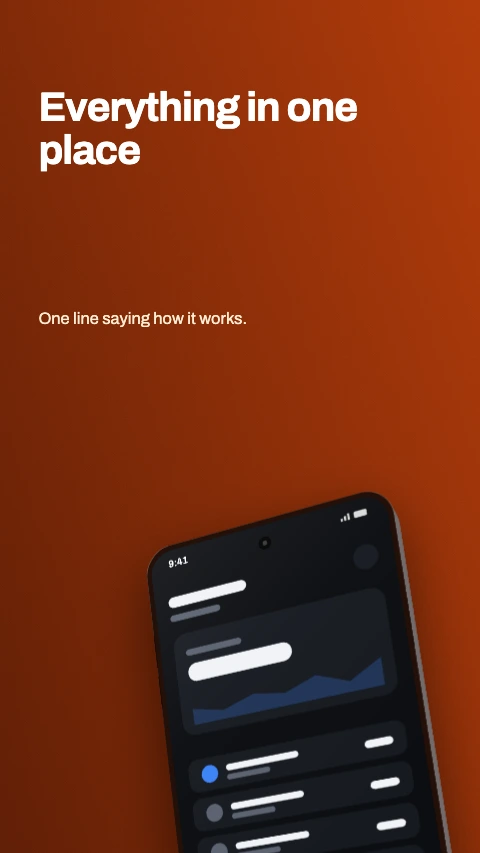
Stacked

Three phones fanned back, the front one in focus.

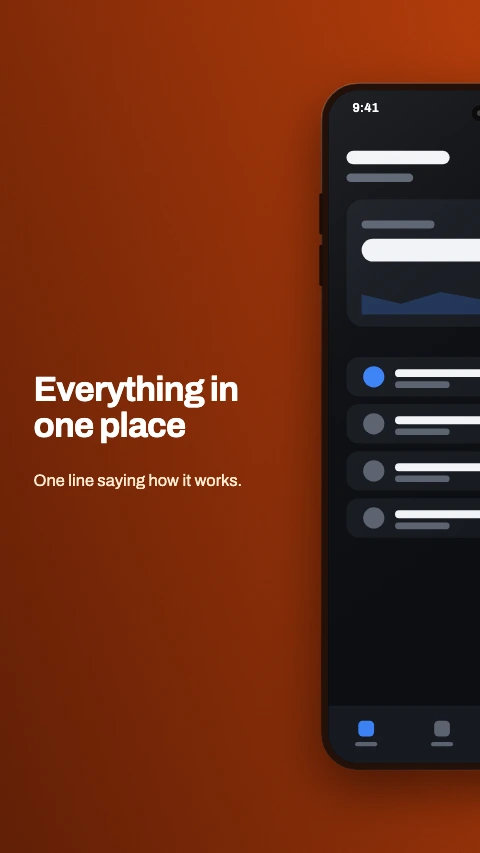
Corner crop app store screenshot template - The device leans in from the bottom corner, caption top left.
Corner crop

The device leans in from the bottom corner, caption top left.

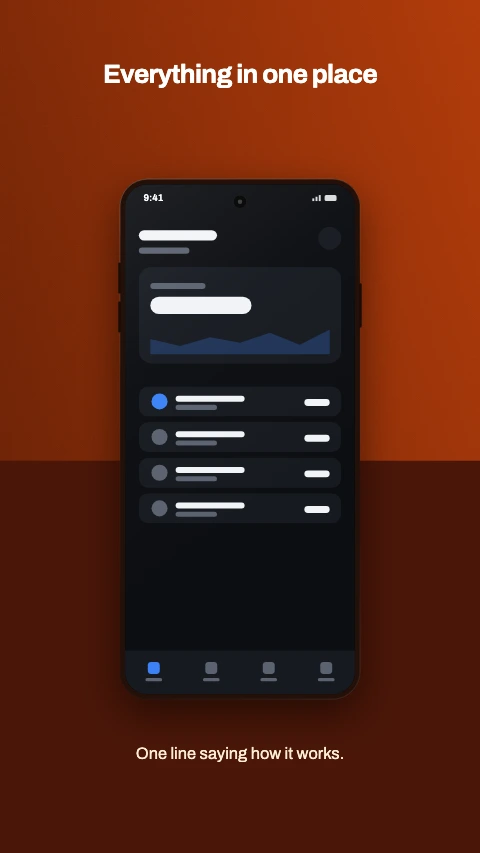
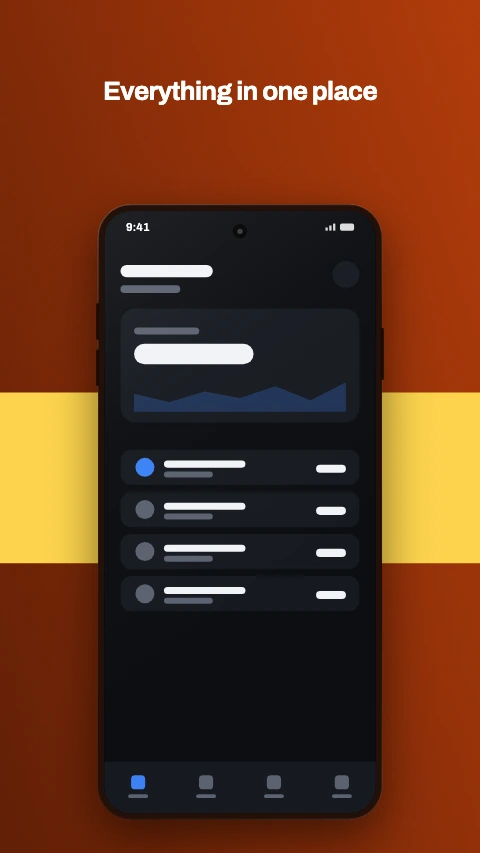
Colour band app store screenshot template - A band of accent across the middle, device standing on it.
Colour band

A band of accent across the middle, device standing on it.

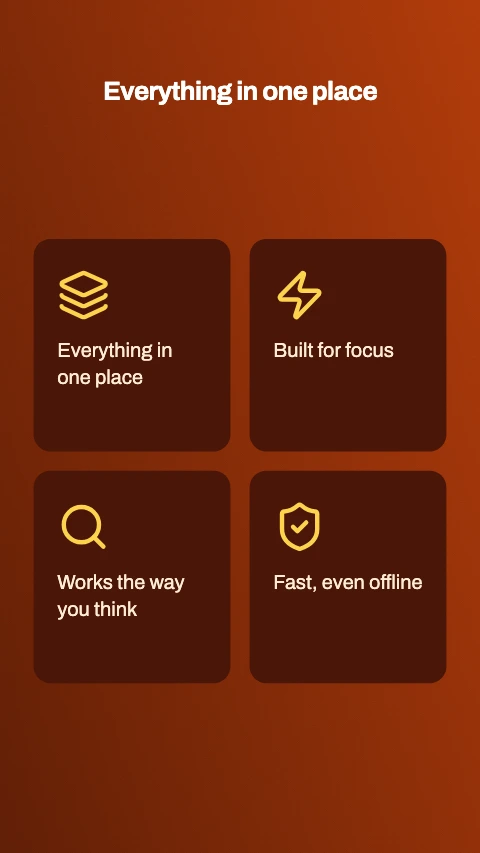
Feature grid app store screenshot template - Four features in a two-by-two grid. No device, no capture.
Feature grid

Four features in a two-by-two grid. No device, no capture.

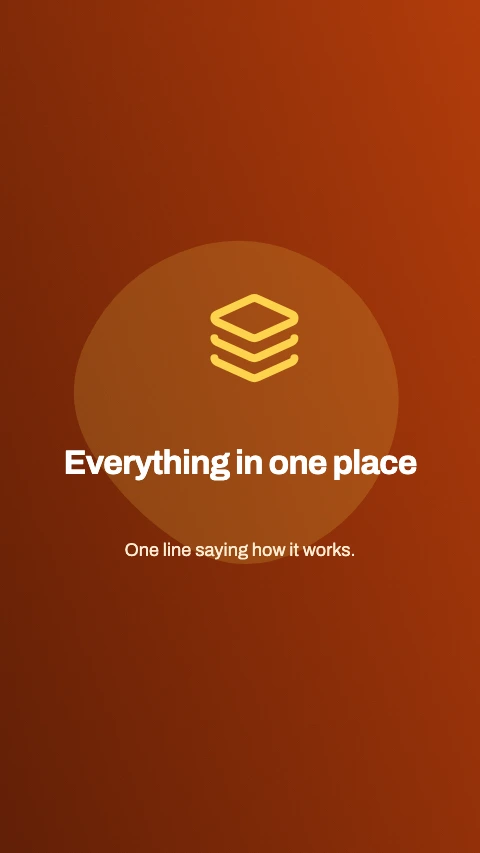
Feature tile app store screenshot template - An icon, a heading and a line of detail. No device.
Feature tile

An icon, a heading and a line of detail. No device.

Split phone app store screenshot template - One phone straddling the join between two frames. Pairs frames 1 and 2, 3 and 4.
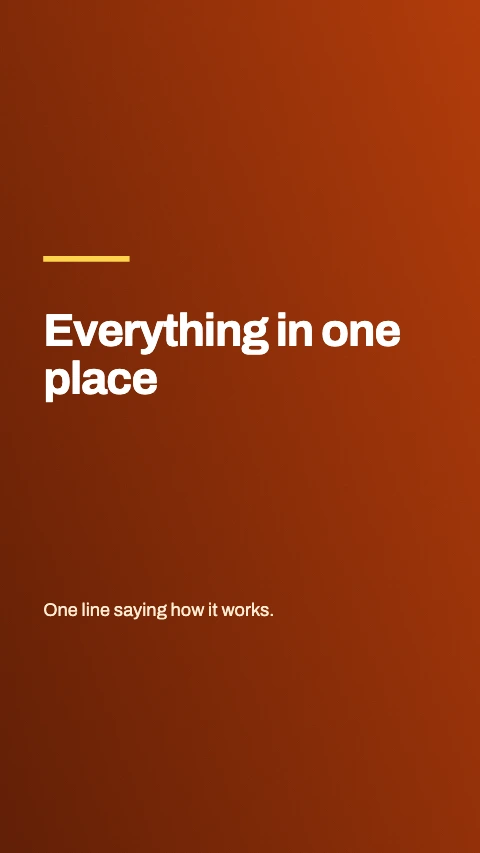
Split phone

One phone straddling the join between two frames. Pairs frames 1 and 2, 3 and 4.

Title and shot app store screenshot template - The words on one frame, the phone alone on the next. Pairs 1 and 2, 3 and 4.

Title and shot

The words on one frame, the phone alone on the next. Pairs 1 and 2, 3 and 4.
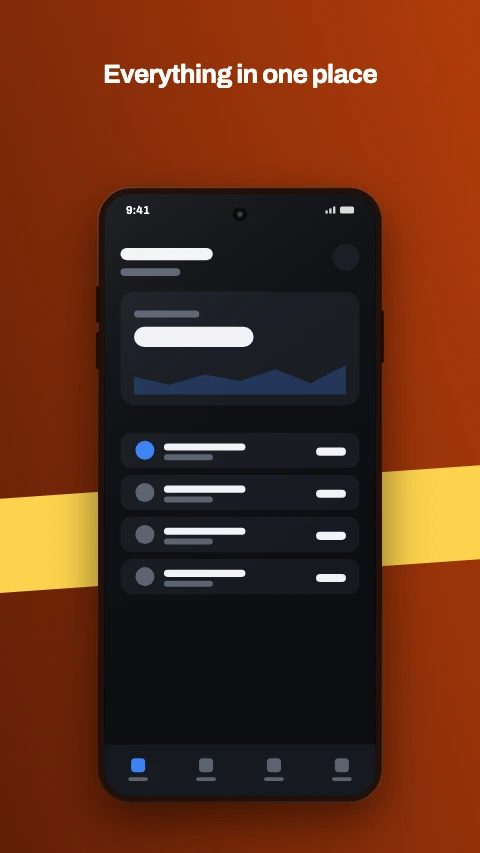
Ribbon app store screenshot template - A band of colour that climbs from one frame to the next across the set.
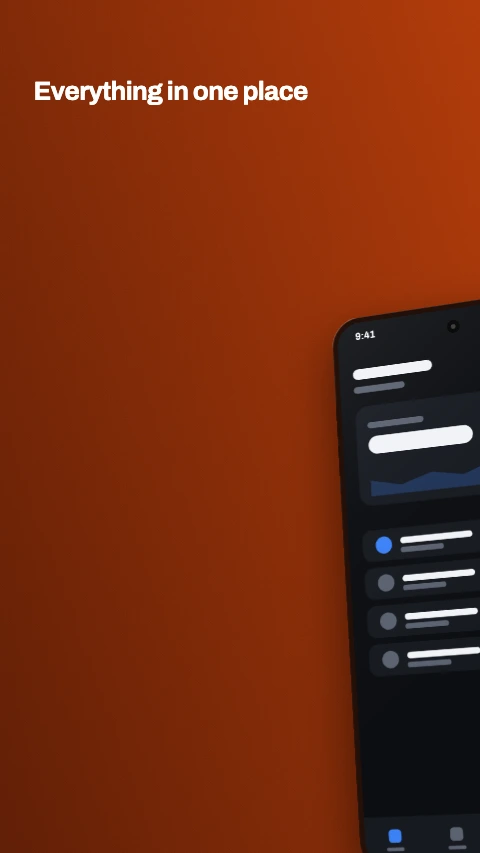
Ribbon

A band of colour that climbs from one frame to the next across the set.

Split phone, angled app store screenshot template - The same phone across two frames, turned - the headline on one half, the detail on the other.

Split phone, angled

The same phone across two frames, turned - the headline on one half, the detail on the other.
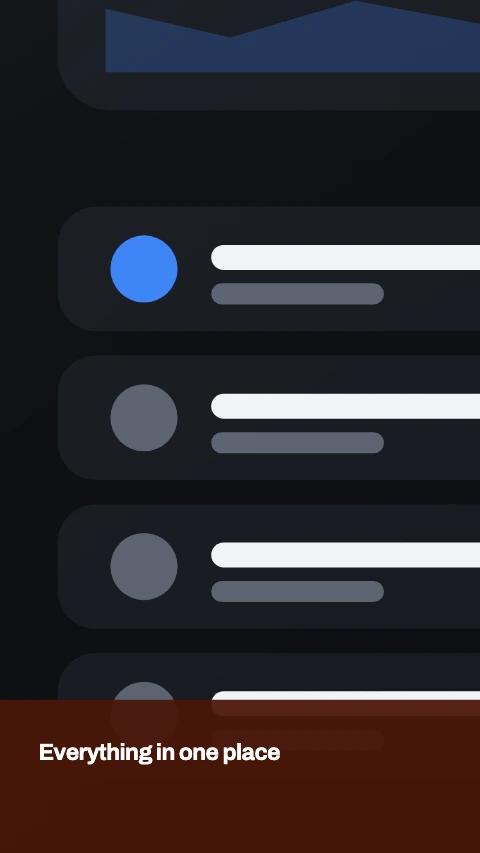
Split screen app store screenshot template - One screenshot with the chassis cropped away, cut in half down the middle across two frames.

Split screen

One screenshot with the chassis cropped away, cut in half down the middle across two frames.
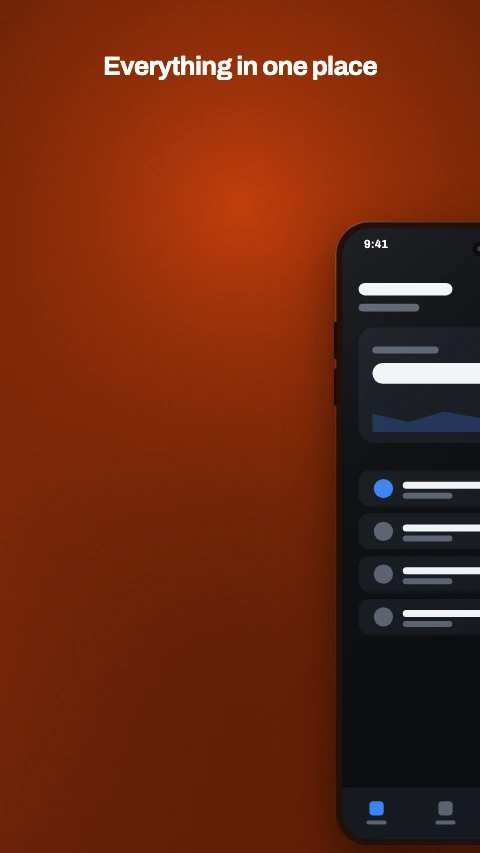
Split run app store screenshot template - Two phones running across three frames, on one unbroken background.
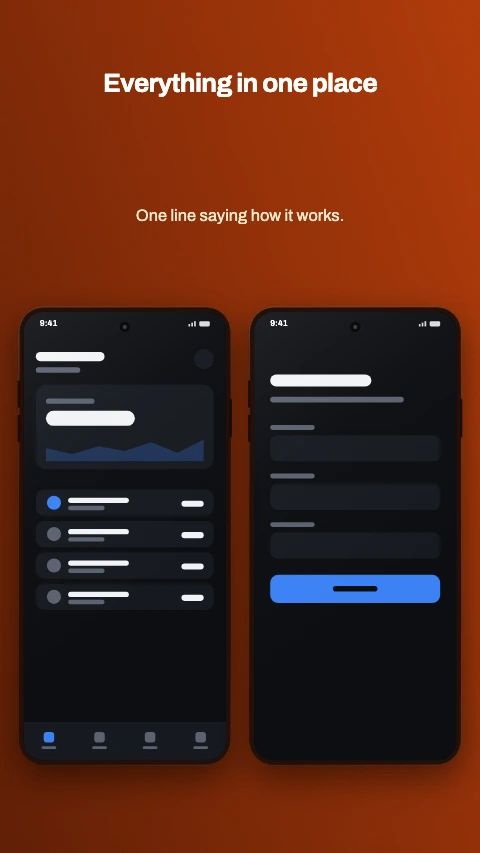
Split run

Two phones running across three frames, on one unbroken background.

Side by side app store screenshot template - Two phones, level and the same size. For a feature that takes two screens.
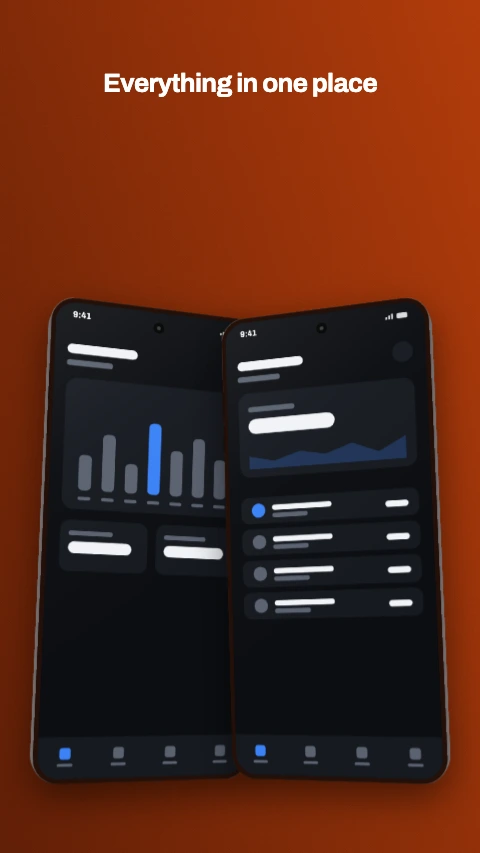
Side by side

Two phones, level and the same size. For a feature that takes two screens.

Mirrored pair app store screenshot template - Two phones turned toward each other, overlapping at the middle.
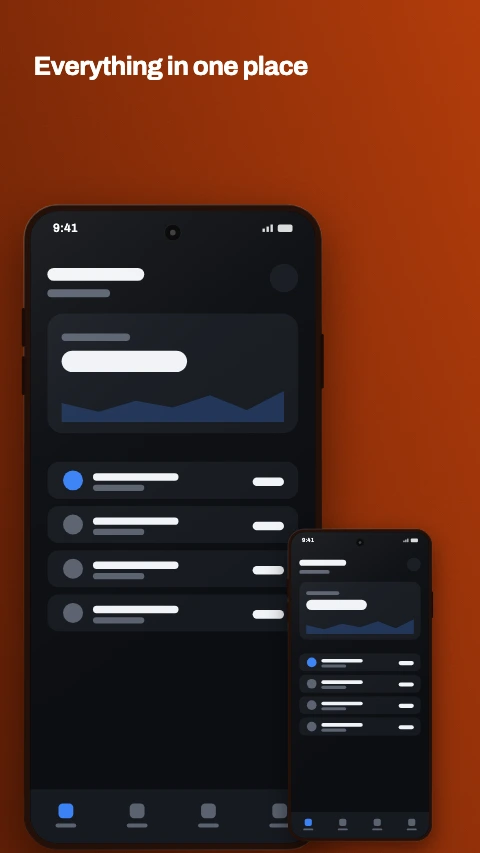
Mirrored pair

Two phones turned toward each other, overlapping at the middle.

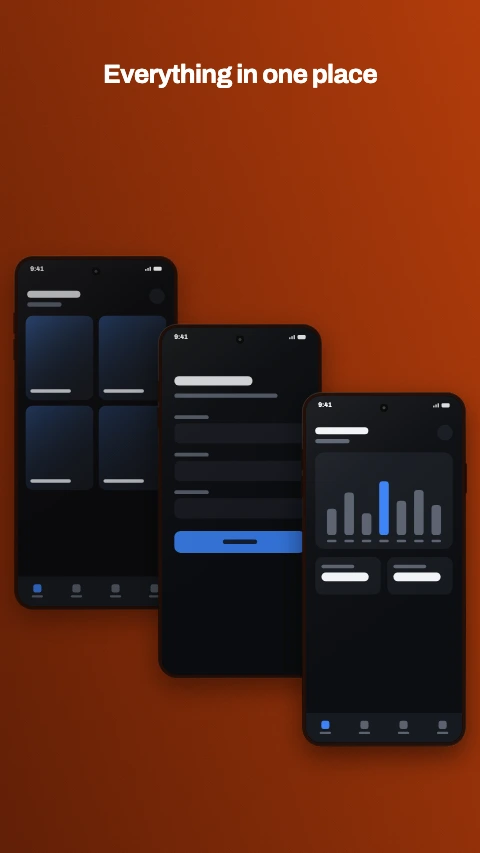
Hero and inset app store screenshot template - One phone large, a second small one cutting across its corner.
Hero and inset

One phone large, a second small one cutting across its corner.

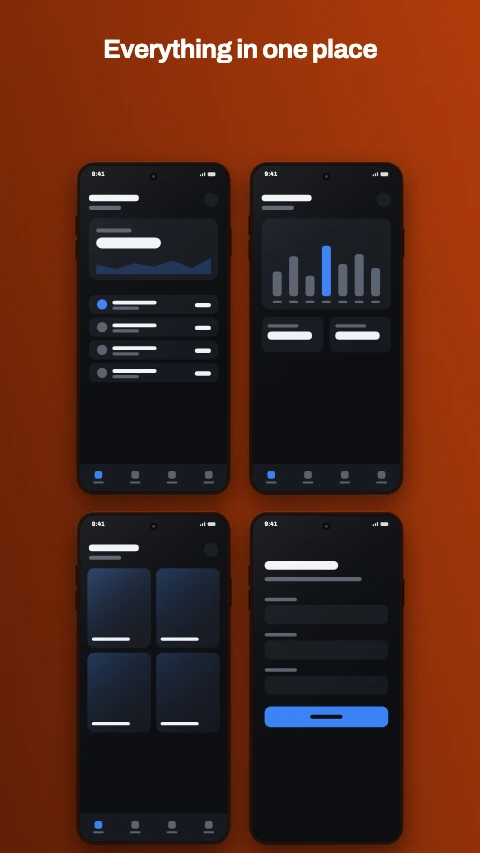
Cascade app store screenshot template - Three phones stepping down and across. A flow, left to right.
Cascade

Three phones stepping down and across. A flow, left to right.

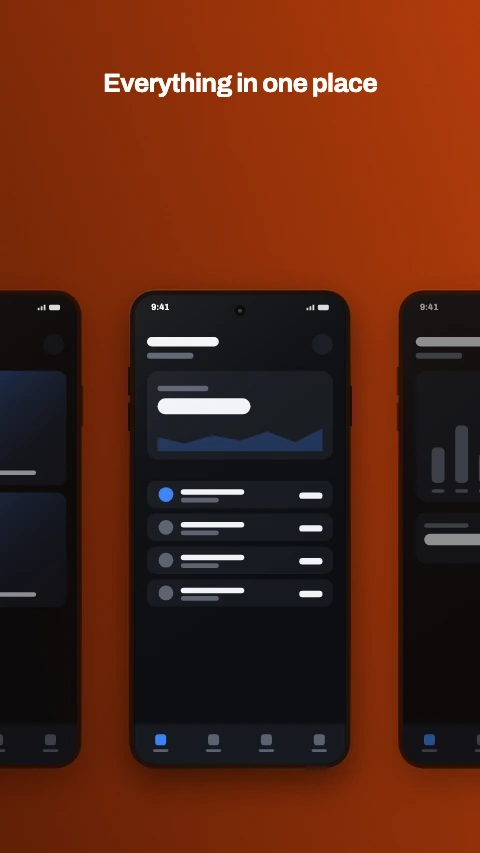
Four up app store screenshot template - Two by two. The whole app on one frame, for the opening shot.
Four up

Two by two. The whole app on one frame, for the opening shot.

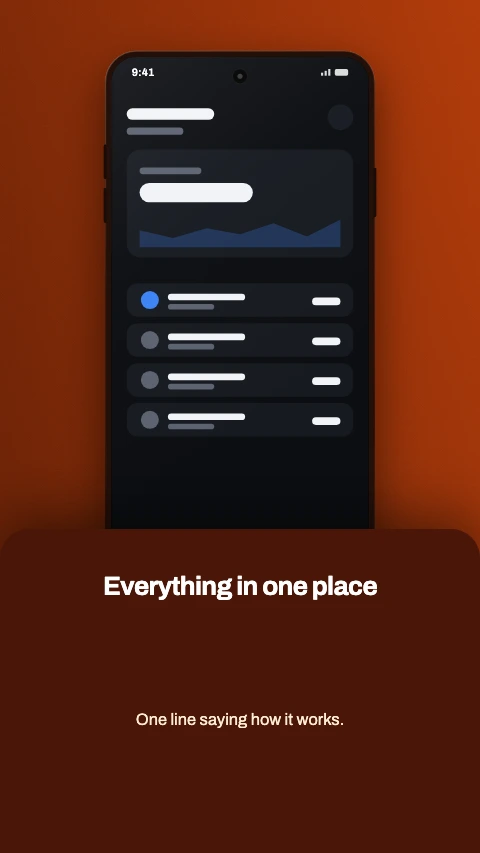
Phone row app store screenshot template - Three phones in a line, the outer two running off the edges.
Phone row

Three phones in a line, the outer two running off the edges.

Bottom sheet app store screenshot template - The phone above, the words in a sheet that slides over its foot.
Bottom sheet

The phone above, the words in a sheet that slides over its foot.

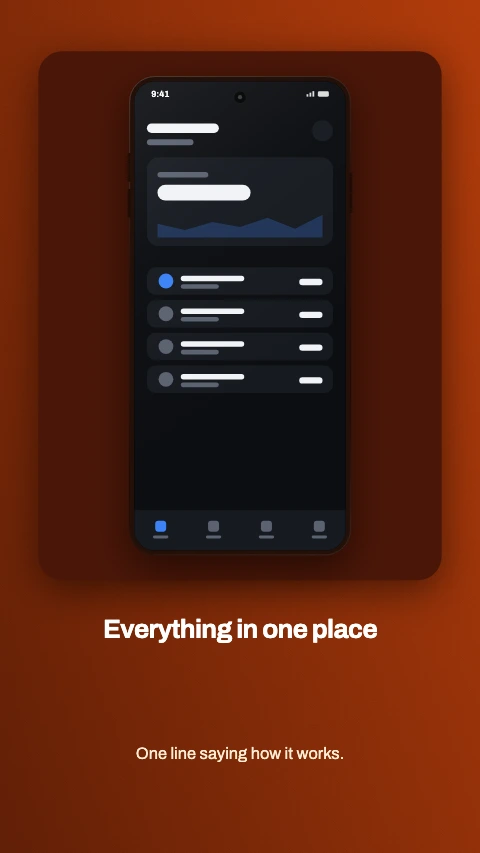
Framed card app store screenshot template - The phone inside a card, the caption underneath it.
Framed card

The phone inside a card, the caption underneath it.

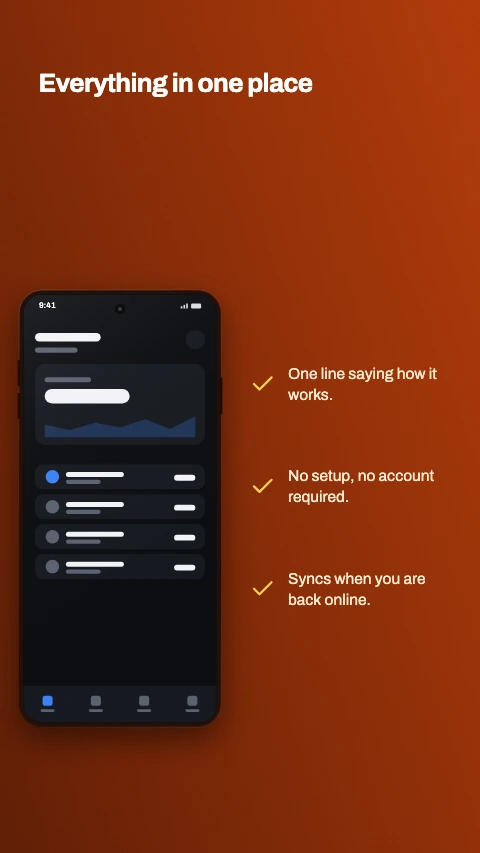
Checklist app store screenshot template - The phone on one side, three ticked lines on the other.
Checklist

The phone on one side, three ticked lines on the other.

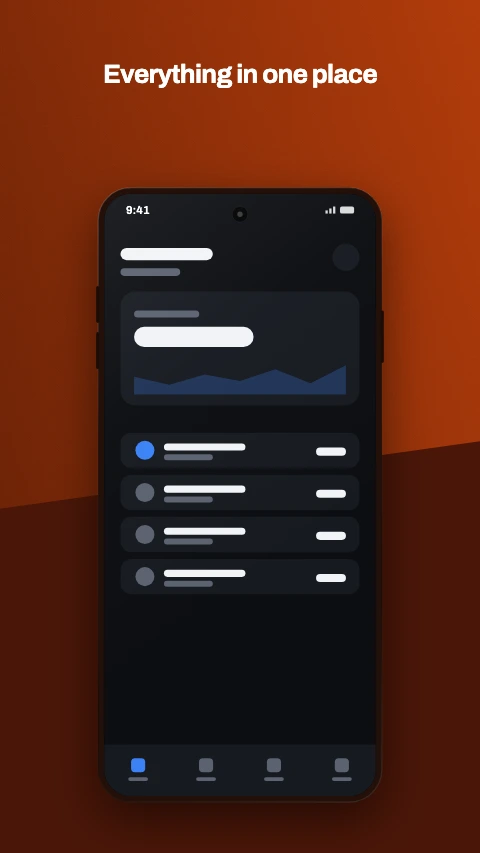
Diagonal split app store screenshot template - The ground cut on an angle, the phone standing over the cut.
Diagonal split

The ground cut on an angle, the phone standing over the cut.

Zoomed row app store screenshot template - One row of the screen ringed, and the same row again at three times the size.
Zoomed row

One row of the screen ringed, and the same row again at three times the size.

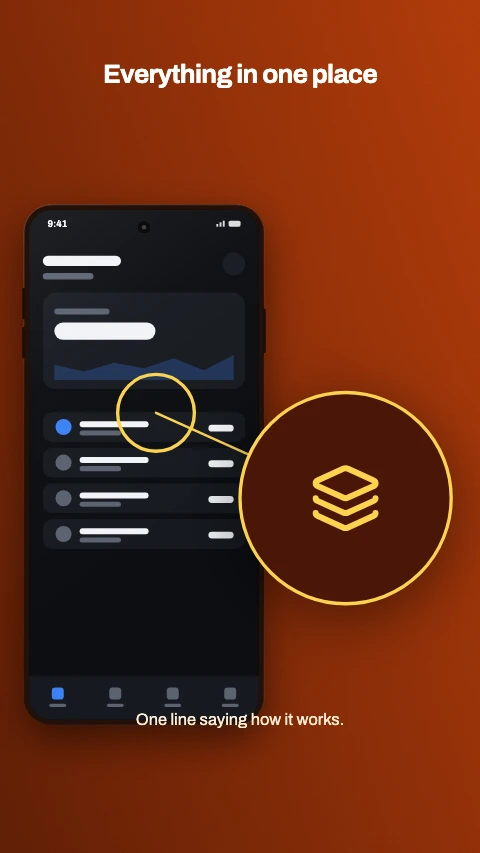
Magnifier app store screenshot template - A round lens beside the phone, holding a close crop of the detail it rings.
Magnifier

A round lens beside the phone, holding a close crop of the detail it rings.

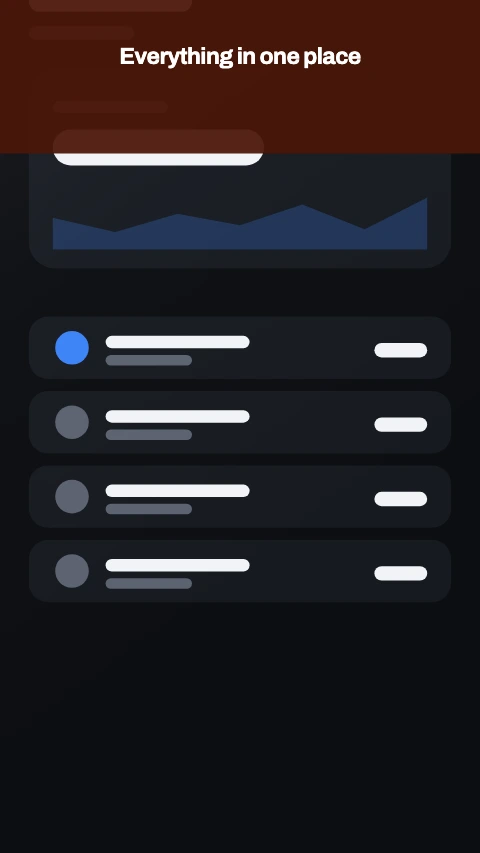
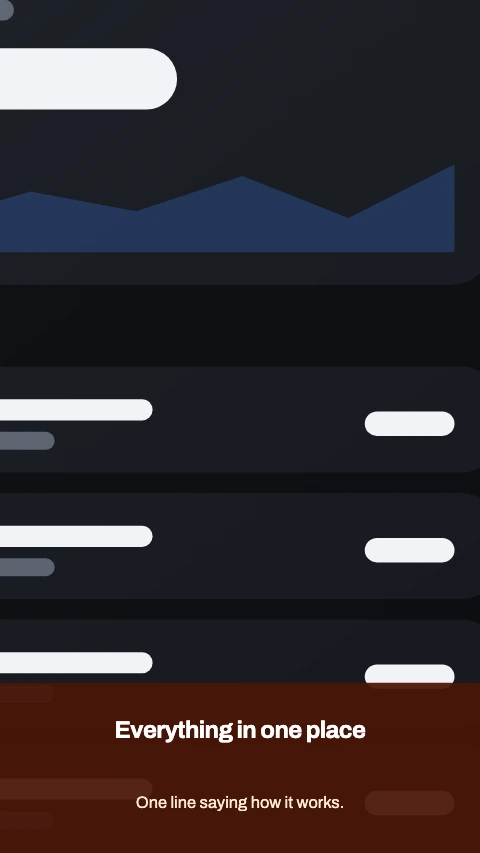
Close up app store screenshot template - The screen blown up past every edge, so one corner of the app fills the frame.

Close up

The screen blown up past every edge, so one corner of the app fills the frame.

19 colour themes

A theme decides the palette, the typeface, the device finish and how the shadow falls. Every one below is on the same layout - Caption above - so what changes is the register rather than the arrangement.
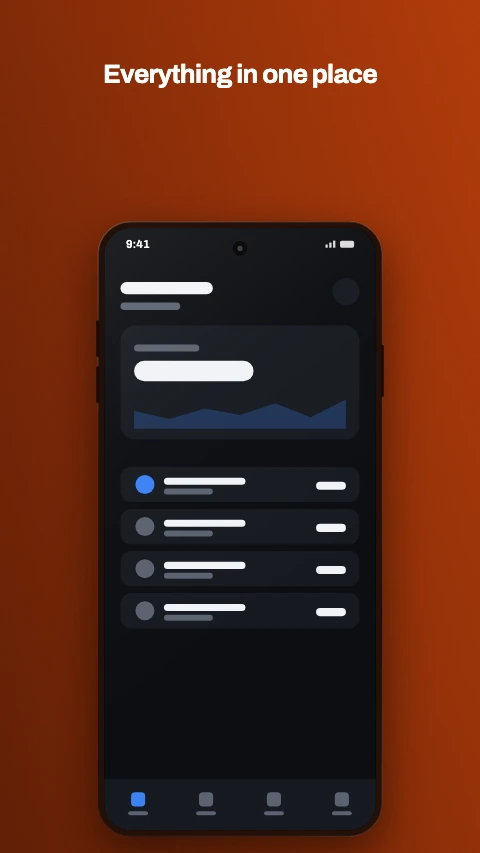
The Ember colour theme on an app screenshot - Burnt orange over a deeper ember. Warm where the dark registers are cool.
Ember

Burnt orange over a deeper ember. Warm where the dark registers are cool.

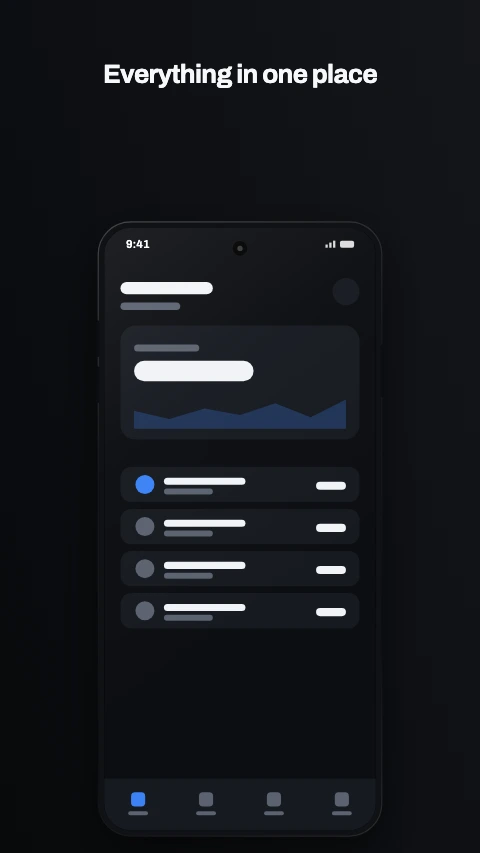
The Carbon colour theme on an app screenshot - Near black with one bright accent. The default premium register.
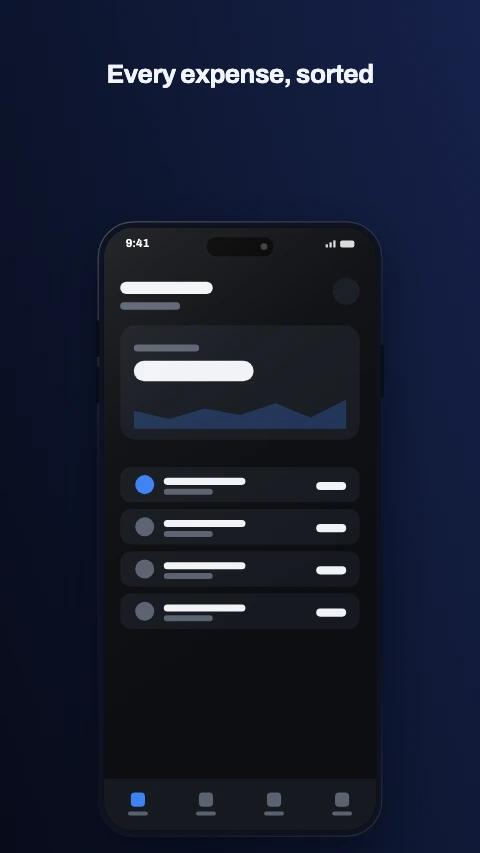
Carbon

Near black with one bright accent. The default premium register.

The Midnight colour theme on an app screenshot - Deep navy and a champagne accent. Reads as trust, so: finance.
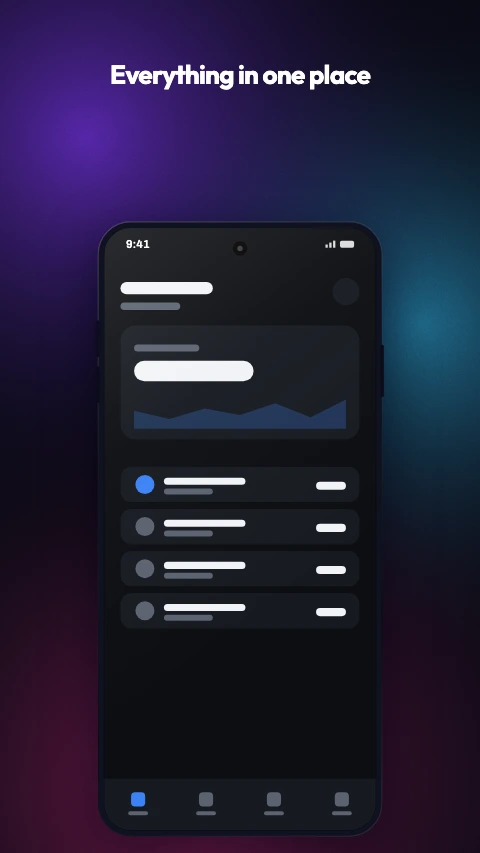
Midnight

Deep navy and a champagne accent. Reads as trust, so: finance.

The Aurora colour theme on an app screenshot - A holographic wash over near black. Violet, teal and magenta.
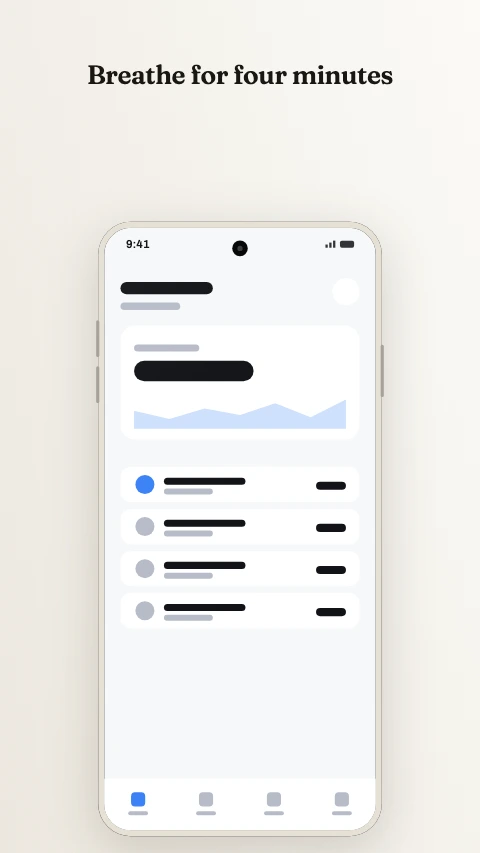
Aurora

A holographic wash over near black. Violet, teal and magenta.

The Paper colour theme on an app screenshot - Warm off-white and a serif. The calm end of the light register.
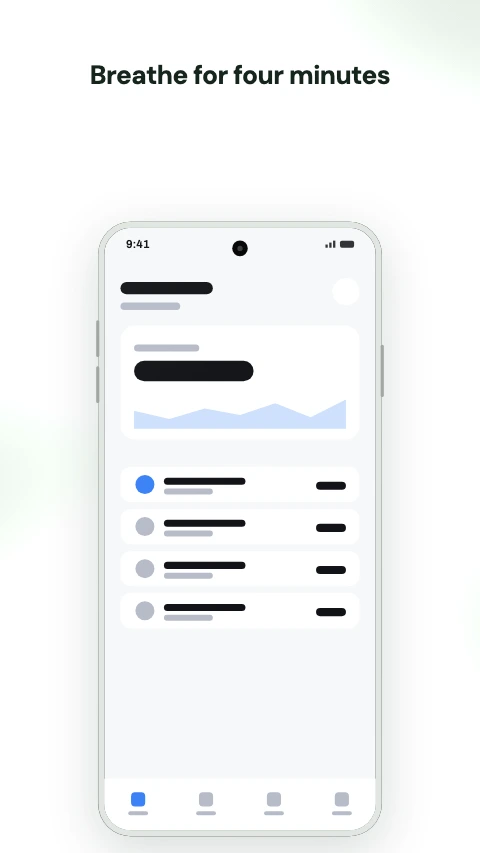
Paper

Warm off-white and a serif. The calm end of the light register.

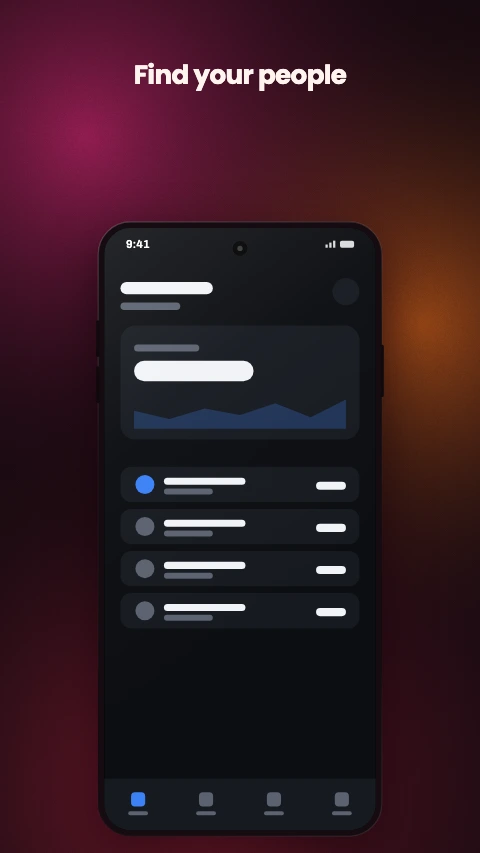
The Sage colour theme on an app screenshot - Muted greens on light. Wellness without the stock photography.
Sage

Muted greens on light. Wellness without the stock photography.

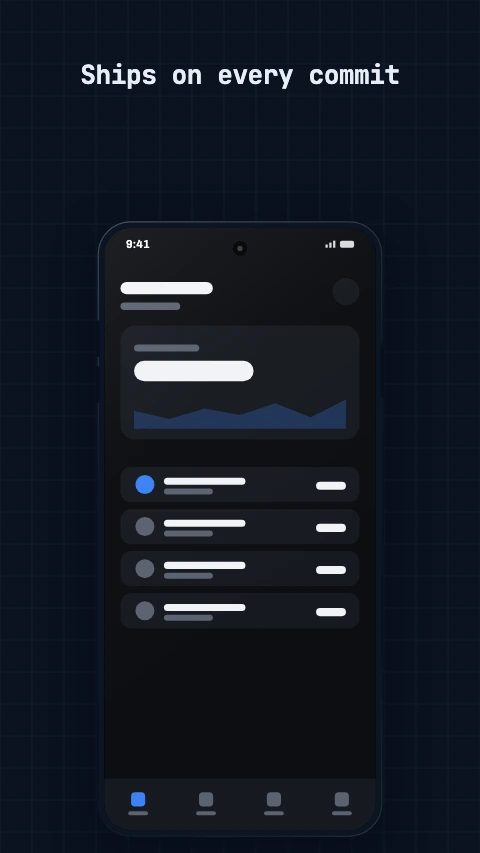
The Coral colour theme on an app screenshot - A warm mesh on near black. The social and lifestyle register.
Coral

A warm mesh on near black. The social and lifestyle register.

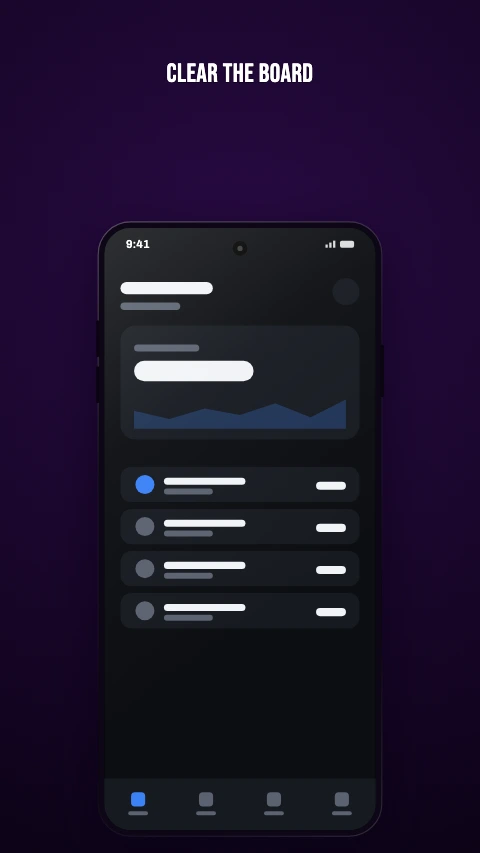
The Blueprint colour theme on an app screenshot - A grid, a mono face and a cyan accent. Built for developer tools.
Blueprint

A grid, a mono face and a cyan accent. Built for developer tools.

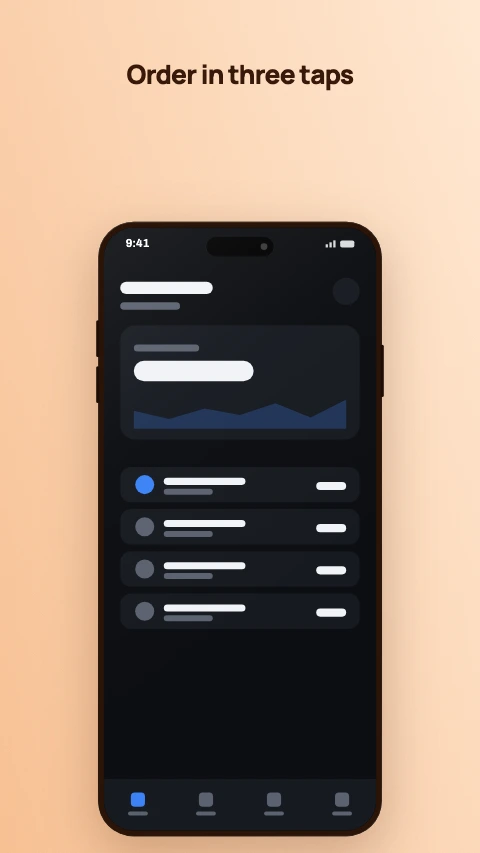
The Neon colour theme on an app screenshot - Near black, saturated accents, outlined display type. For games.
Neon

Near black, saturated accents, outlined display type. For games.

The Sunset colour theme on an app screenshot - Warm light, dark ink. Friendly without being loud.
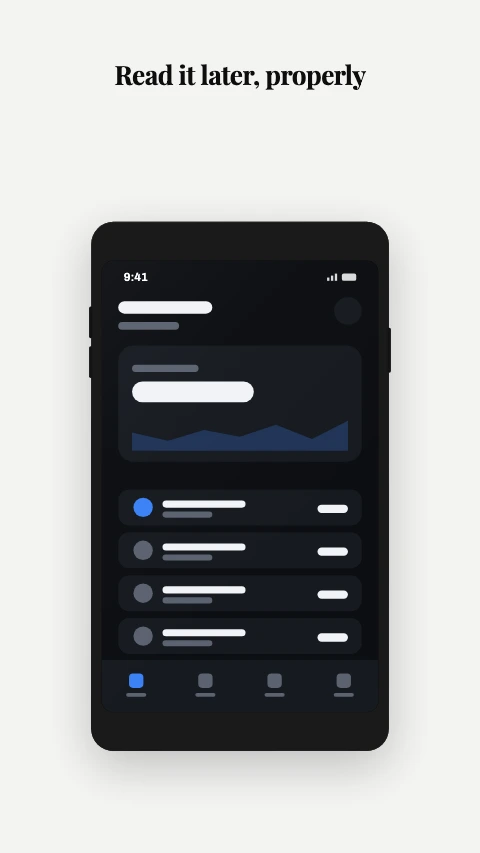
Sunset

Warm light, dark ink. Friendly without being loud.

The Mono colour theme on an app screenshot - No colour at all. A serif at maximum contrast, and nothing else.
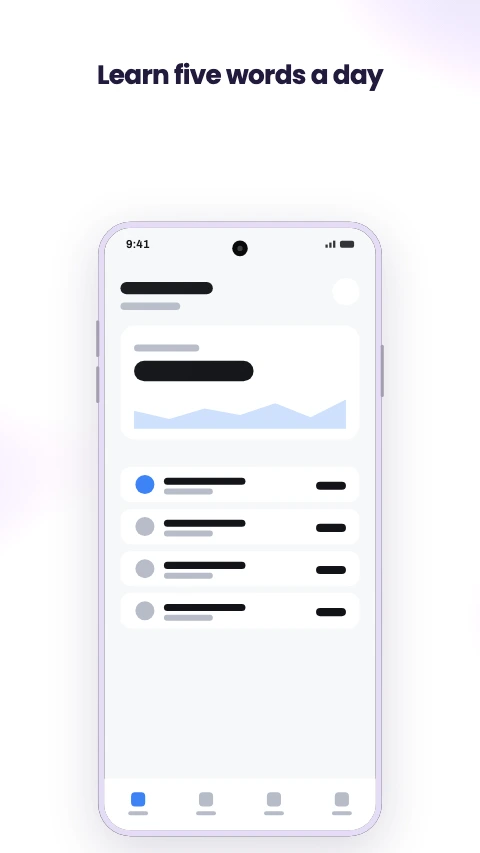
Mono

No colour at all. A serif at maximum contrast, and nothing else.

The Pastel colour theme on an app screenshot - Soft light mesh and a violet accent. Playful, for a younger audience.
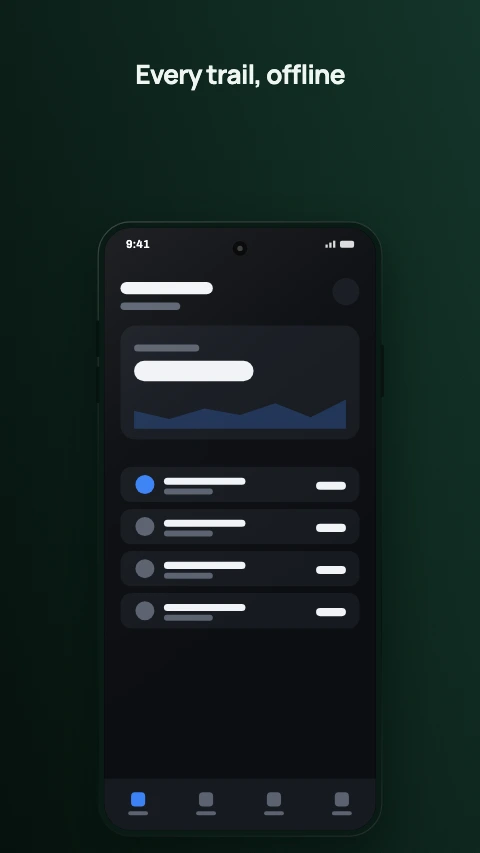
Pastel

Soft light mesh and a violet accent. Playful, for a younger audience.

The Forest colour theme on an app screenshot - Deep green and a mint accent. Outdoors, maps, anything unplugged.
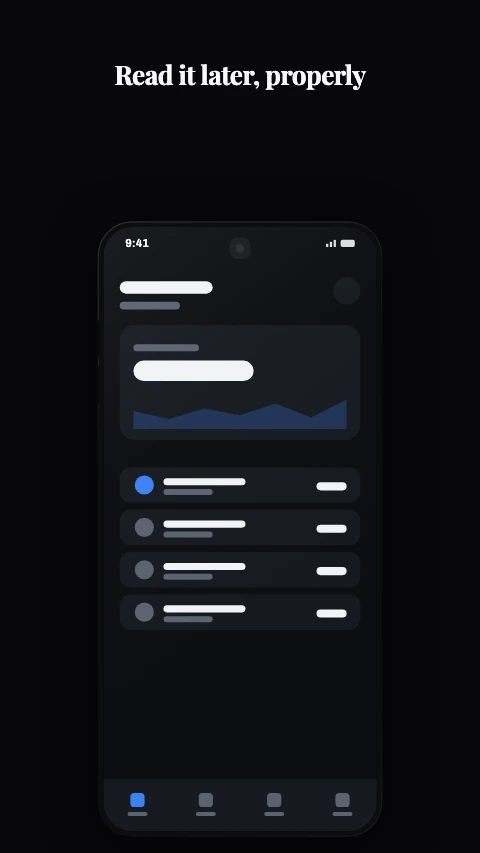
Forest

Deep green and a mint accent. Outdoors, maps, anything unplugged.

The Noir colour theme on an app screenshot - Black, white, and a hairline. The dark twin of Mono.
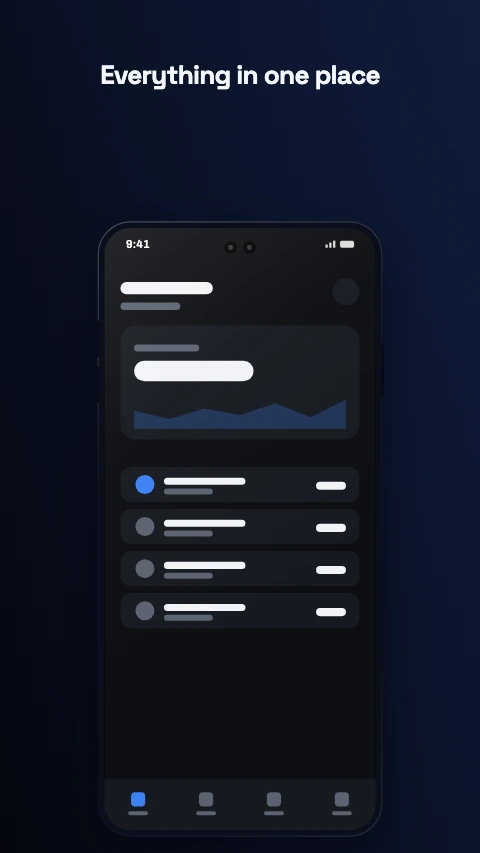
Noir

Black, white, and a hairline. The dark twin of Mono.

The Cobalt colour theme on an app screenshot - Electric blue on a deep blue-black. Loud without being warm.
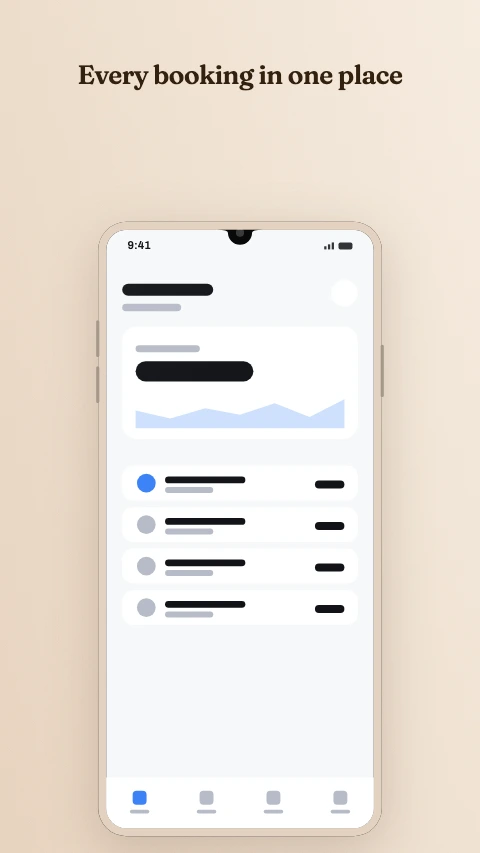
Cobalt

Electric blue on a deep blue-black. Loud without being warm.

The Clay colour theme on an app screenshot - Terracotta on sand. Earthy and unhurried.
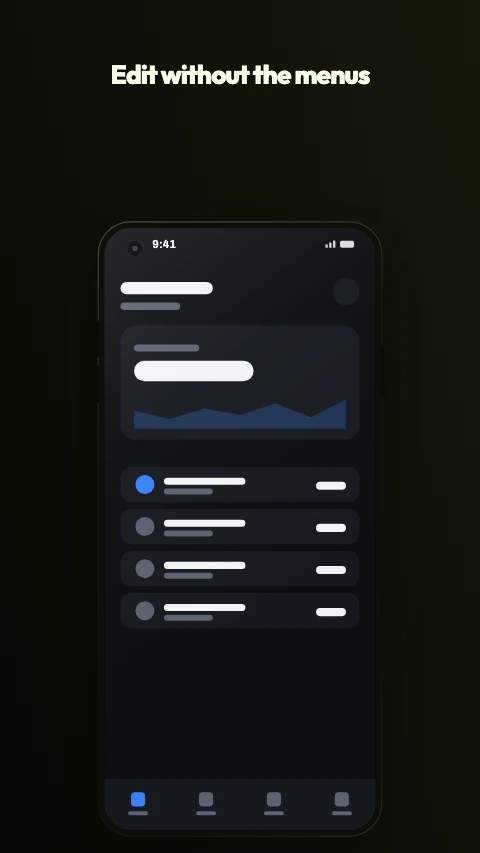
Clay

Terracotta on sand. Earthy and unhurried.

The Citrus colour theme on an app screenshot - Lime on near black. The loudest thing here, and it knows it.
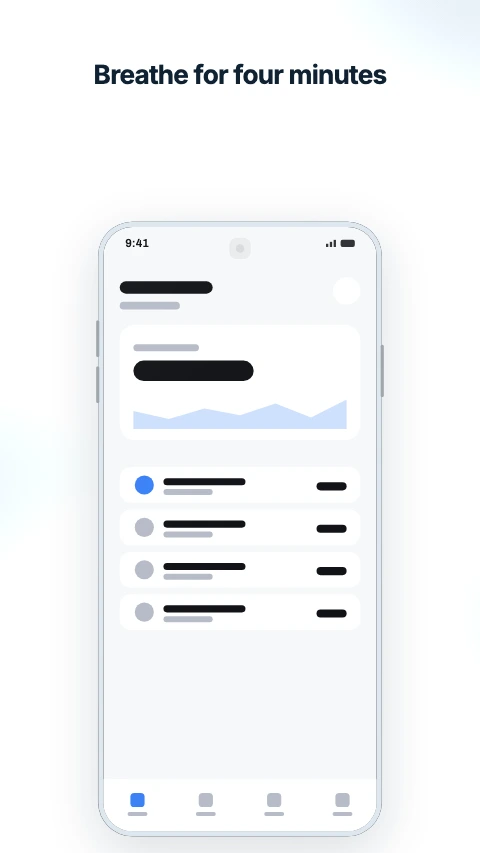
Citrus

Lime on near black. The loudest thing here, and it knows it.

The Arctic colour theme on an app screenshot - Ice blue on near white. Cold, clean and very quiet.
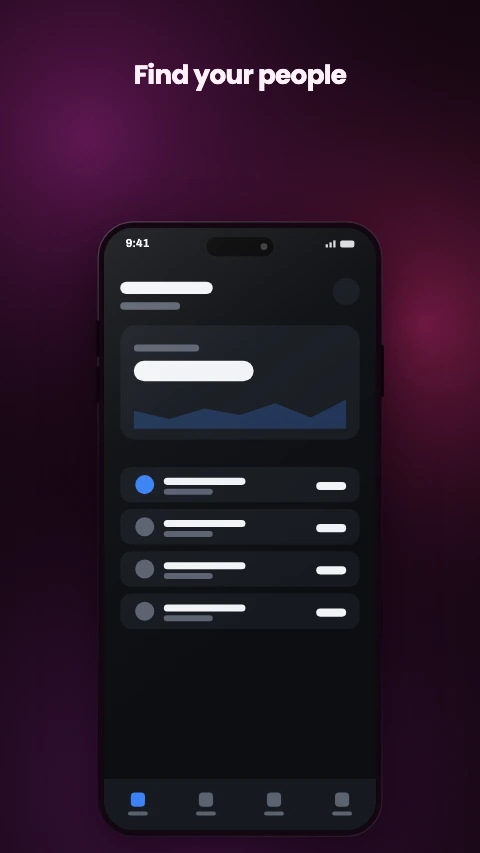
Arctic

Ice blue on near white. Cold, clean and very quiet.

The Plum colour theme on an app screenshot - Wine and rose. Evening rather than midnight.

Plum

Wine and rose. Evening rather than midnight.

The two axes are independent, which is the part that matters on frame six of eight: picking a style replaces the frame, and picking a theme only recolours it. Nothing moves, nothing is retyped, and the whole set changes register in one step.

Feature graphics and app icons

A 1024x500 banner and a 512x512 icon are not screenshots, and a layout written for a 9:16 canvas does not become one by being squashed. These are their own designs.

Photo card app store screenshot template - One image in a card, with the caption under it. No device.
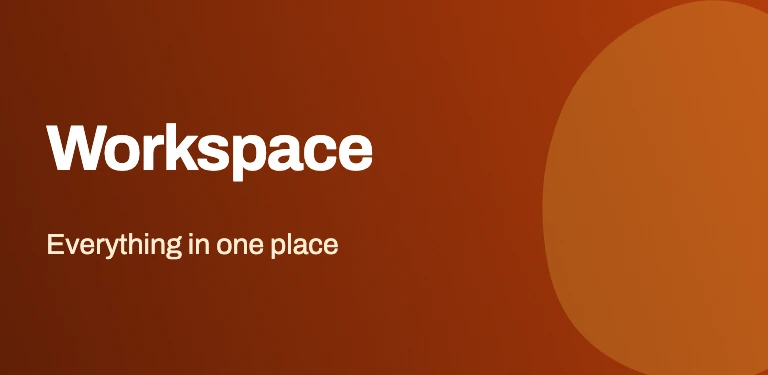
Photo card

One image in a card, with the caption under it. No device.

Wordmark and artwork app store screenshot template - Name on the left, a wash of colour on the right.
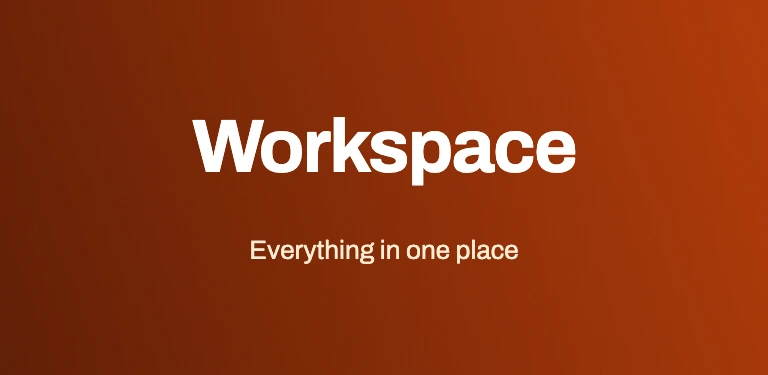
Wordmark and artwork

Name on the left, a wash of colour on the right.

Centred wordmark app store screenshot template - Name and strapline, centred, nothing else. Survives any crop.
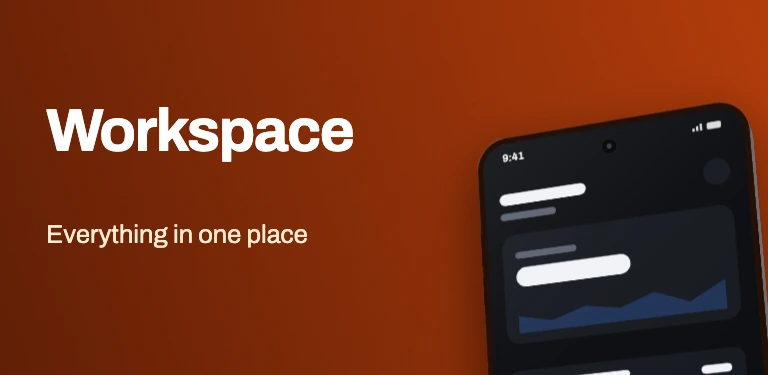
Centred wordmark

Name and strapline, centred, nothing else. Survives any crop.

Wordmark and device app store screenshot template - Name on the left, a phone cropped off the right edge.

Wordmark and device

Name on the left, a phone cropped off the right edge.

Glyph app store screenshot template - One symbol on the theme's ground. The safest icon there is.
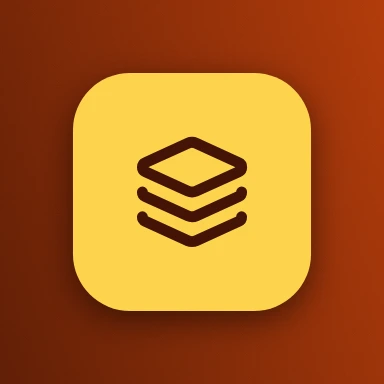
Glyph

One symbol on the theme's ground. The safest icon there is.

Glyph on a plate app store screenshot template - A rounded plate well inside the mask, with the symbol on it.
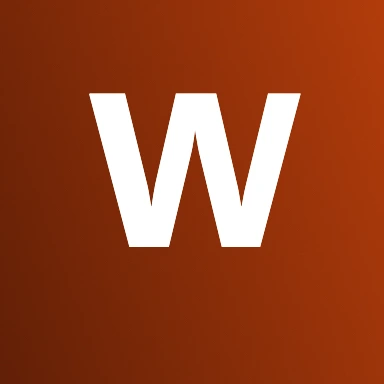
Glyph on a plate

A rounded plate well inside the mask, with the symbol on it.

Monogram app store screenshot template - A single letter in the theme's display face.

Monogram

A single letter in the theme's display face.

How a template behaves once it is yours

The difference between a template gallery and a design tool with templates in it.

It is a document, not an image
Every layer is live. Move the headline, retype it, change the device, swap the palette, drop your capture into the screen or into a photo slot. The template decided where things started, not where they have to stay.
It resizes rather than restarting
Layouts are written as proportions of the canvas, never in pixels, so one design lays out correctly as a phone screenshot, a feature graphic, a square social post and a website hero. Copying a project into another slot rescales the artwork into the new canvas.
It keeps the set together
A store listing is two to eight screenshots that have to look like one set. The theme is remembered, so adding a frame continues the look instead of dropping a blank one into the middle, and restyling applies to every frame at once as a single undo step.
It exports the file the Console asks for
Play wants 24-bit PNG with no alpha channel, and no browser canvas can write one - every tool that exports through the canvas API hands you a 32-bit file. The exporter encodes the PNG itself with the alpha plane dropped, at the size the slot opens at.

Frequently asked questions

Are these app store screenshot templates free?
Yes - every one of them, with no signup, no watermark, no export limit and no paid tier. They open in a browser-based editor that runs entirely on your machine, so there is no server cost behind it to recover.
What is the difference between a layout and a theme?
A layout decides where things sit - headline at the top, device below, or a panel across the lower half with the phone straddling the join. A theme decides what colour they are, what they are set in and how the device is finished. The two are crossed, so 56 layouts and 19 themes make 1064 designs. That is also why you can change the palette of a finished screenshot without moving anything: picking a style replaces the frame, picking a theme only recolours it.
Can I edit the template after I pick one?
It is a design tool, not a set of fixed images. Every layer is editable - move it, retype it, restyle it, drop your own screenshot into the device or into a photo slot, change the device, angle it in 3D. The template is a starting point rather than a form to fill in.
Will a templated screenshot be rejected by Google Play?
Google's guidance asks you not to position screenshots in device frames or add text that is not part of the app. In practice the store is full of framed, captioned screenshots and rejections are rare, so most developers treat it as an accepted risk. Wear OS is the exception, where the rule is explicit and enforced. The templates draw framed and captioned sets without taking a position on it, so the decision stays yours.
What sizes do the templates come in?
Every layout is written as proportions of the canvas rather than in pixels, so the same template lays out correctly on a 1080x1920 phone screenshot, a 1024x500 feature graphic, a 512x512 icon and a 3840x2400 XR shot. Switching a project between sizes rescales the artwork into the new canvas rather than starting it again.
Are the previews on this page real?
They are the tool's own output. Each one was drawn by the same renderer that draws the editor canvas and writes the exported file, so what you see here is what applying that template produces - not an illustration of it.

Pick one and start

The editor opens into a project with the template picker one click away. If you are sizing a Play upload rather than choosing a design, the Play Store screenshot sizes page is the reference for that.

Open the studio

The rest of the toolkit

One editor, and a page for each job people bring to it.