Device mockups, drawn rather than photographed
14 frames - phones with every current camera cutout, a tablet, a round and a square watch, a laptop, a TV and a browser window. Drop a screenshot into any of them and export at whatever size you need.
Every one is constructed from geometry, so nothing you export carries a stock licence. Free, no signup, no watermark, and it all runs in your browser.
Phones
8 bodies that differ mainly in one detail. The front-camera cutout is what dates a mockup, so picking the wrong one makes an otherwise good image look years old.
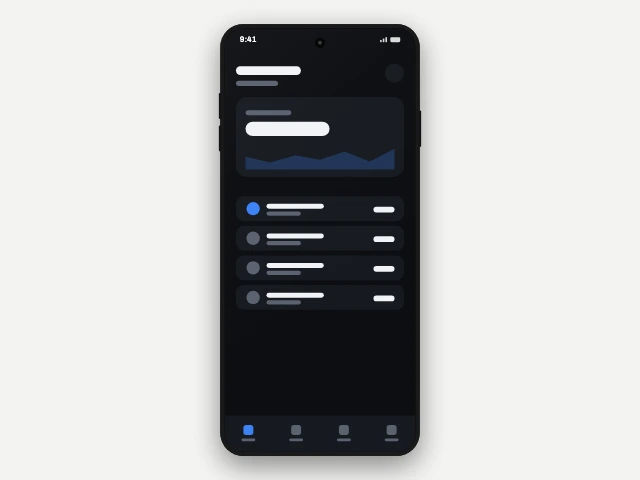
Phone - punch hole
A single punch hole - the current default. 0.46:1 body, 2.1% bezel.
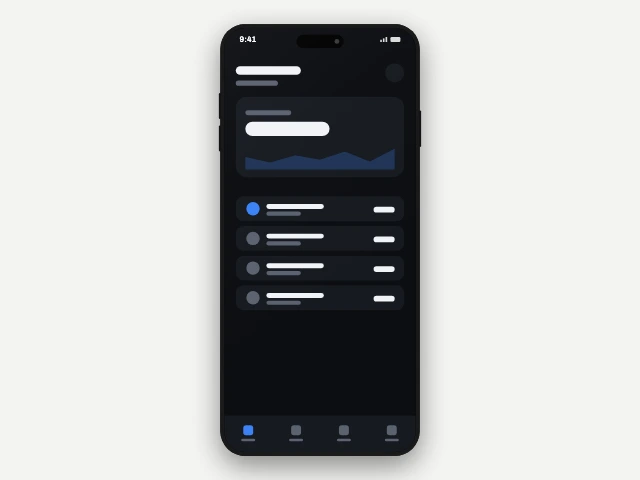
Phone - pill cutout
A rounded pill cutout, the premium tell. 0.46:1 body, 2.0% bezel.
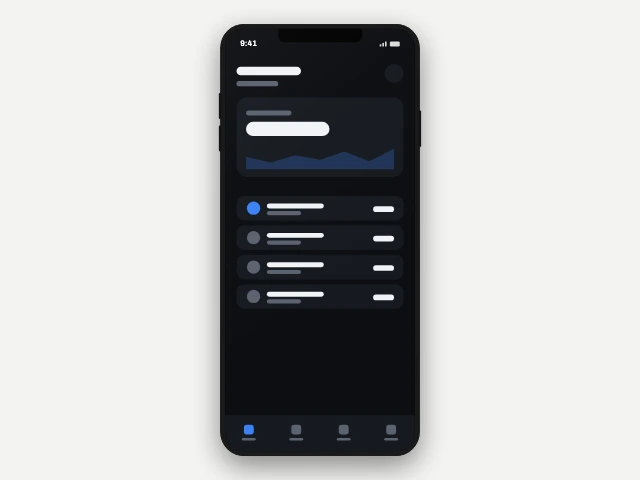
Phone - notch
A wide notch - reads as 2018 to 2021. 0.46:1 body, 2.4% bezel.
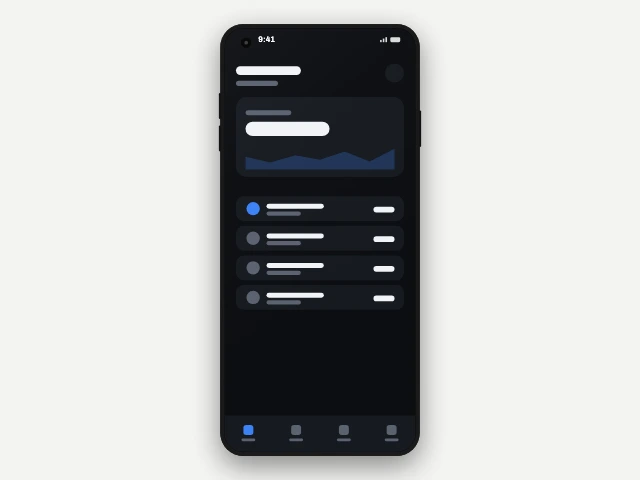
Phone - corner punch hole
A single punch hole - the current default. 0.46:1 body, 2.1% bezel.
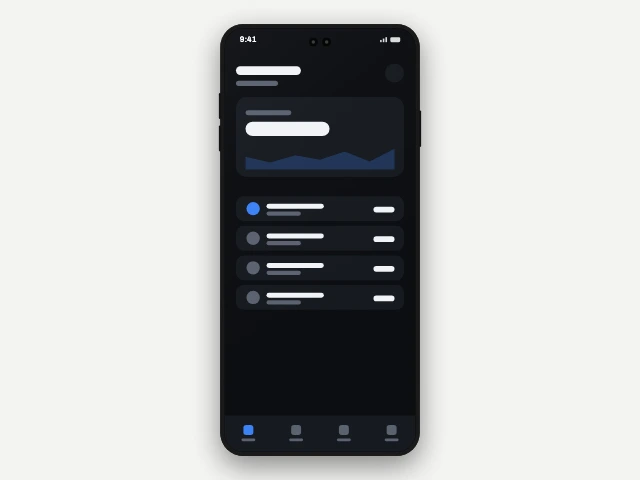
Phone - dual punch hole
Two punch holes side by side. 0.46:1 body, 2.1% bezel.
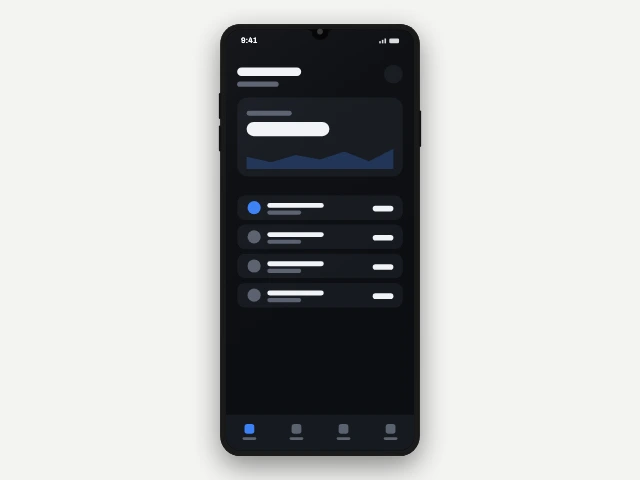
Phone - teardrop
A small teardrop - reads as budget. 0.46:1 body, 2.8% bezel.
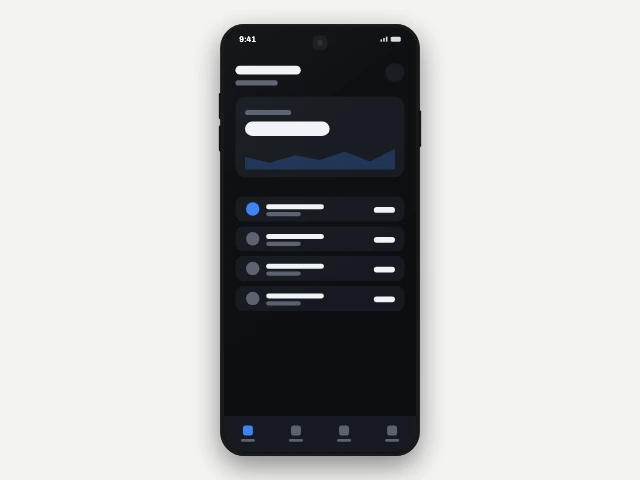
Phone - under display
No visible camera at all. 0.46:1 body, 1.8% bezel.
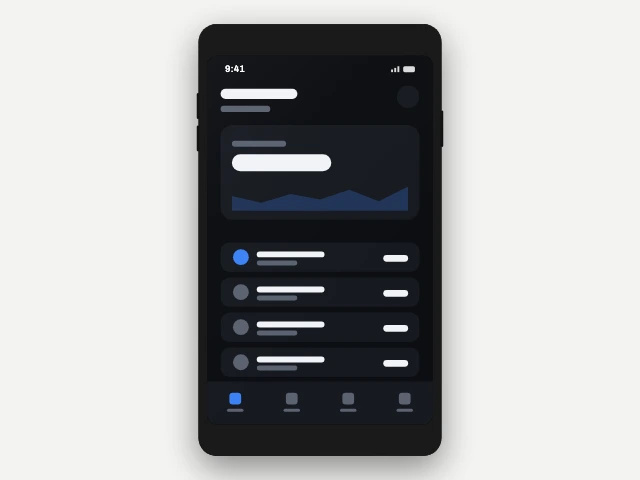
Phone - classic bezel
No cutout. 0.56:1 body, 3.5% bezel.
Tablets
A landscape-capable slate with a real forehead and chin, which is the asymmetry that makes a tablet read as a tablet rather than as a large phone.
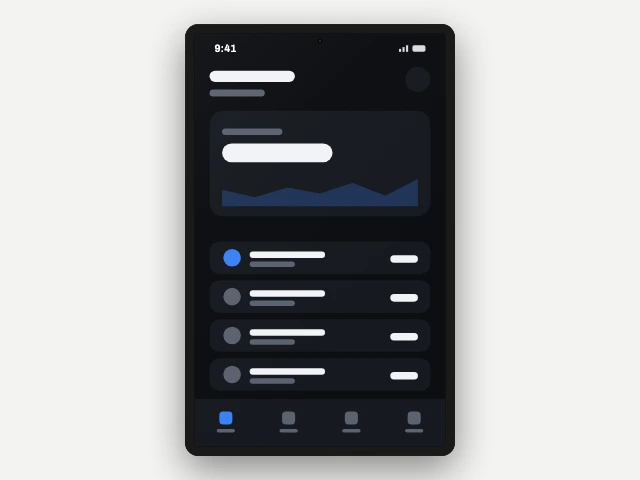
Tablet
A single punch hole - the current default. 0.63:1 body, 3.5% bezel.
Watches
Round and square, both with straps above and below - which the layer box has to contain, so the case sits where it should rather than being centred on the straps.
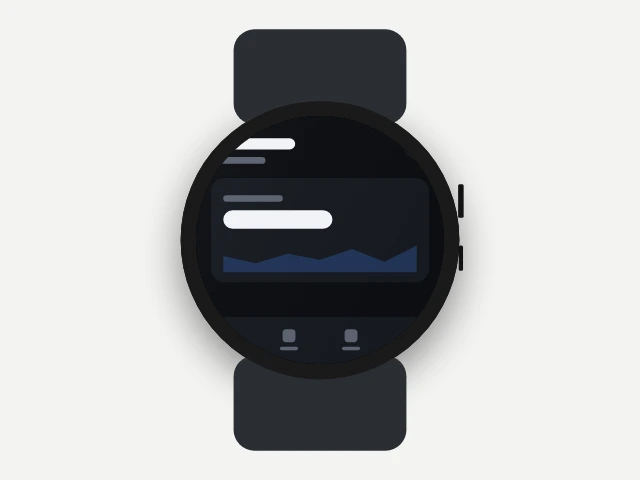
Watch - round
No cutout. 1:1 body, 5.5% bezel.
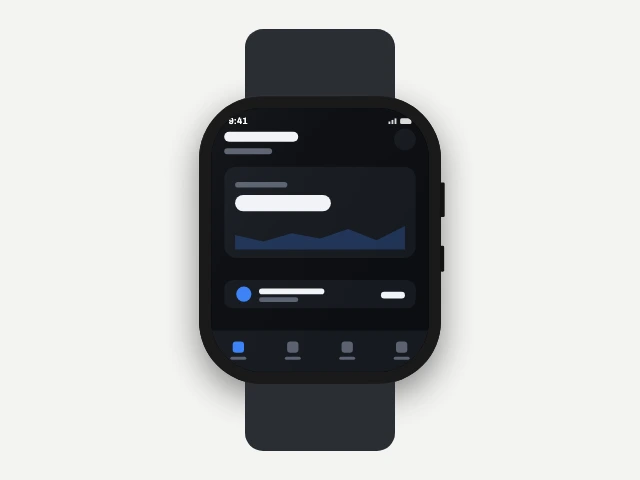
Watch - square
No cutout. 0.84:1 body, 5.0% bezel.
Screens
A laptop with a base, a TV on a stand, and a browser window with a chrome bar inside the screen. For anything that is not being held.
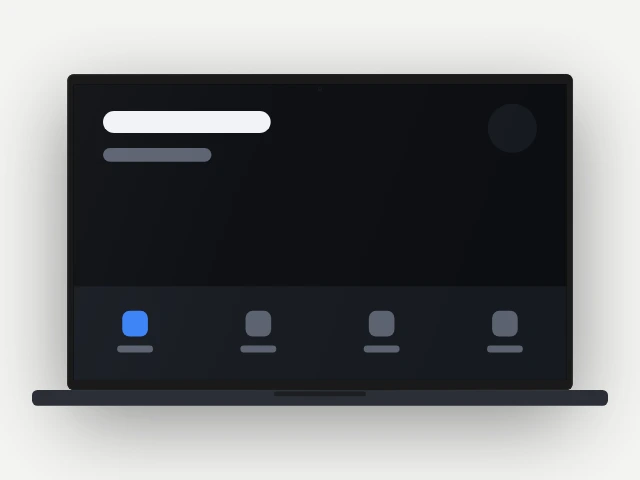
Laptop
A single punch hole - the current default. 1.6:1 body, 1.2% bezel.
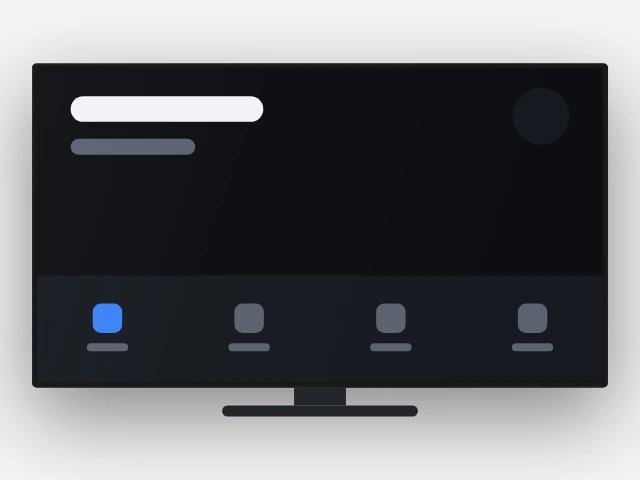
TV
No cutout. 1.78:1 body, 0.8% bezel.
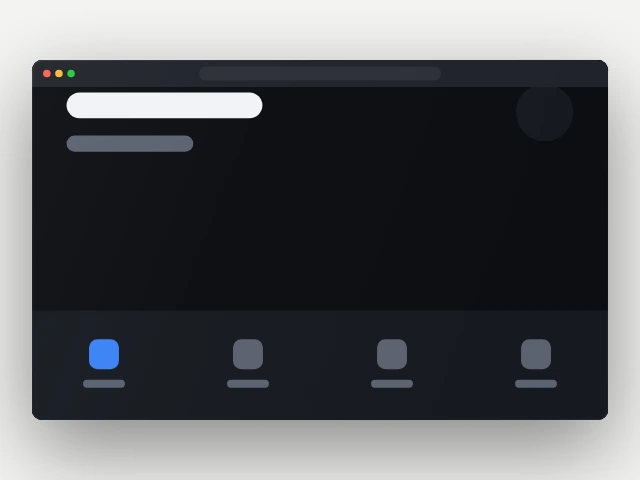
Browser window
No cutout. 1.6:1 body, 0.0% bezel.
Why they are drawn
The part that usually comes with a licence attached.
A mockup made from a product photograph inherits that photograph's licence, and most of the free ones on the web are traced from press images whose terms nobody reads. These are built from a table of proportions instead - aspect, corner radius, bezel, cutout shape and position, thickness, whether there are side keys - and drawn at the size you export.
That is also why the proportions are honest. A 9:19.5 body with a 2% bezel is what a current handset actually measures, and a mockup that gets it wrong reads as wrong even to somebody who could not say why. The screen's corner radius is derived rather than stored, because two concentric rounded rectangles share a centre of curvature only when their radii differ by exactly the gap between them - and a screen corner that is not concentric with the body corner is the clearest tell of a hand-made mockup there is.
No manufacturer is named anywhere, no logo or badge is drawn, and the cutouts are described generically: the rounded slot at the top of a current handset is called a pill here, not the trademarked name its best-known implementation goes by.
Frequently asked questions
Are these device mockups free for commercial use?
Which phone mockup should I use?
Can I put a screenshot inside a tablet or a watch mockup?
Do the mockups do 3D or just flat?
What resolution do the mockups export at?
Put a screenshot in one
The studio opens into a project with the device picker in the inspector. If you want a finished composition rather than a bare frame, the screenshot templates already have one placed.
Open the studioThe rest of the toolkit
One editor, and a page for each job people bring to it.
Play Store screenshot sizes
What size does Google Play want, and will my file be rejected?
App screenshot templates
I need a design to start from rather than a blank canvas.
Phone mockup generator
I need a hero image for a landing page or a launch post.