Phone mockups, without the stock licence
Drop a screenshot into a drawn phone, angle it, put a headline behind it and export it at whatever size the page needs. For landing page heroes, launch posts, feed graphics and press kits.
It runs entirely in your browser. Nothing is uploaded, there is no account, and nothing is watermarked.
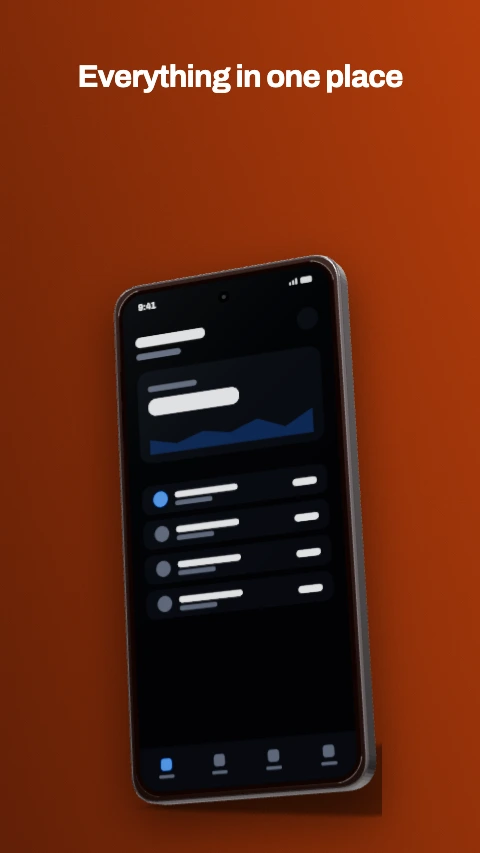
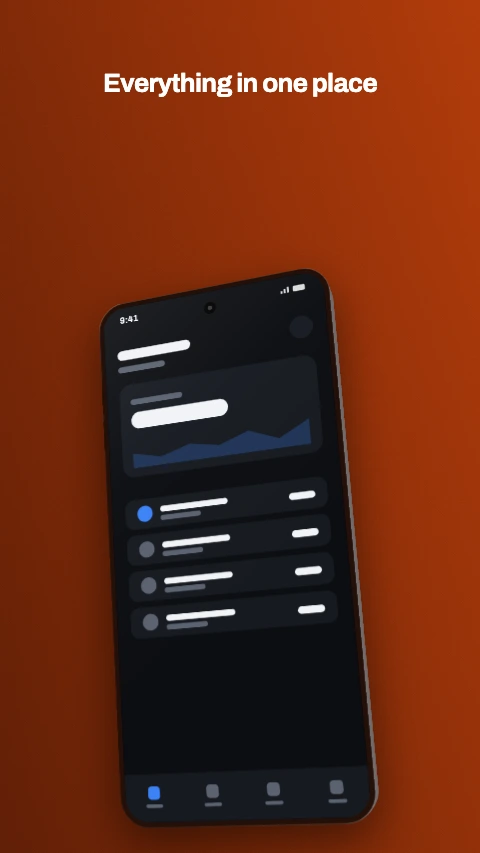
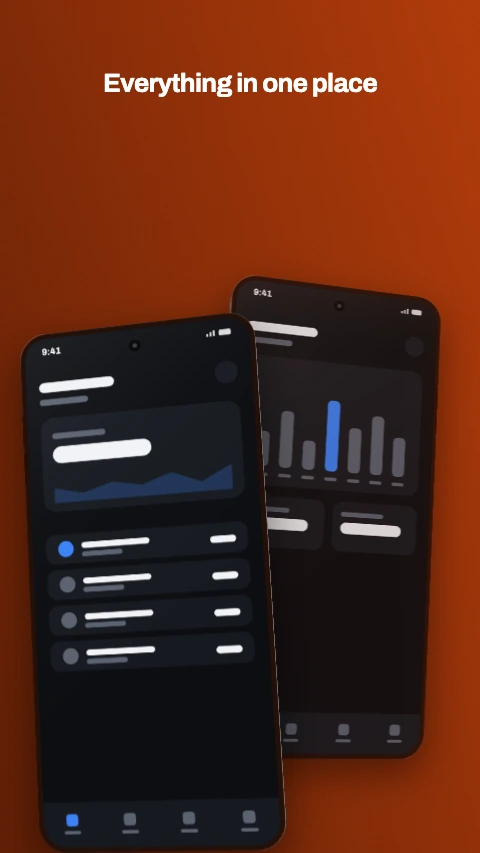
Four of the 1064 designs, rendered by the tool itself.
What you get
A design tool with device mockups built in, rather than a mockup gallery you drop an image into and hope the perspective matches.
Devices we drew ourselves
14 of them - phones, tablets, watches, laptops and TVs - built from geometry rather than traced from photographs, so nothing you export carries a stock licence.
1064 designs to start from
56 layouts crossed with 19 themes. Pick a composition and a palette separately, and change the palette later without moving anything.
Flat, tilted or real 3D
A fast perspective warp for a row of angled phones, and a real 3D pass with thickness, a lit chamfer and a contact shadow when the device is the whole shot.
Your image, your screen
Drop a screenshot into the device, or into a photo slot in the layout. Everything is decoded and composed in the tab - there is no server and no upload.
Any size, and one design
Square, portrait, story, wide, a website hero, or a custom canvas. Switching between them rescales the artwork rather than making you lay it out again.
No watermark, no signup
Export as PNG, JPEG or WebP at 1x or 2x. Nothing is stamped on the output and there is no account, no limit and no paid tier.
Sizes
The presets for marketing work. Every one is a starting point rather than a rule - nothing here is checked against a store, because nothing here goes to one.
| Preset | Size | What it is for |
|---|---|---|
| Square post | 1080 x 1080 recommended - 320-4096px per side | 1:1, the safest crop on every feed. |
| Portrait post | 1080 x 1350 recommended - 320-4096px per side | 4:5, the tallest a feed will show without cropping. |
| Story | 1080 x 1920 recommended - 320-4096px per side | 9:16 full screen, for stories and reels covers. |
| Wide post | 1920 x 1080 recommended - 320-4096px per side | 16:9, for link previews and video thumbnails. |
| Website hero | 2400 x 1260 recommended - 320-7680px per side | Wide and shallow, for the top of a landing page. |
| Custom size | 1600 x 900 recommended - 16-8192px per side | Any size you like, given when the project is made. Nothing is checked. |
Switching a project between sizes rescales the artwork into the new canvas rather than starting it again, so one design becomes a square, a story and a hero without being laid out three times.
About the device frames
The part that usually comes with a licence attached.
Every mockup here is constructed from geometry - a rounded body, a bezel, a camera cutout, two side keys - rather than traced from a product photograph. No manufacturer is named, no logo or badge is drawn, and the cutouts are described generically: the rounded slot at the top of a current handset is called a pill here, not the trademarked name its best-known implementation goes by.
That is why there is no stock licence on what you export, and it is also why the proportions are honest. A 9:19.5 body with a 2% bezel is what a current handset actually measures, and a mockup that gets it wrong reads as wrong even to somebody who could not say why.
All 14 of them, and every front-camera style. A wide notch, a waterdrop, a centred or corner punch hole, a dual punch hole, a pill, an under-display camera, or no cutout at all. The cutout is the single detail that dates a mockup, so picking the wrong one makes the whole image look old.
Frequently asked questions
Is this phone mockup generator free?
Can I use the mockups commercially?
What size should a phone mockup for a website hero be?
Do I need to upload my screenshot anywhere?
Can I angle the phone in 3D?
Does it do app store screenshots too?
Open the studio
Drop a screenshot in, put it in a phone, pick a style and export. The same tool also does the whole Google Play asset set, with every size and rule checked - see Play Store screenshot sizes.
Start designingThe rest of the toolkit
One editor, and a page for each job people bring to it.
Play Store screenshot sizes
What size does Google Play want, and will my file be rejected?
App screenshot templates
I need a design to start from rather than a blank canvas.
Device mockup frames
I need a frame that is not a phone, or a phone that is not dated.